AI Beard Removal Tool: Free Online Experience to Try a Clean‑Shaven Look, Explore the Best AI Beard‑Removal Apps
For many men, a beard is more than facial hair—it is a style and part of their identity. Thinking of shaving often brings uncertainty: Will a clean‑shaven look suit me? Will I look too different? Such fears stop many from trying a new look. Shaving without testing risks regret, as it takes weeks or months to grow back, leaving men stuck between curiosity and worry about a permanent change.
AI beard removal tools solve this by letting you preview a no‑beard look digitally from a photo. Yet many free tools produce unnatural, blurry, or distorted results, making it hard to choose between apps and websites. This article explains the technology, introduces the best free and paid tools, and gives practical tips for realistic previews, helping you decide your style with confidence.

1. How AI Beard Removal Technology Actually Works
1.1 Deep learning and facial recognition: the core engine
AI beard removal relies on deep learning and facial recognition. Neural networks learn from millions of face images with different features and hair types. This training helps AI understand facial anatomy and locate key areas like the jaw and chin. It can clearly tell apart beard texture from real skin. Accurate segmentation of the beard area is the first essential step.
The facial recognition industry is growing fast and supports better consumer AI tools. Market expansion means more reliable facial analysis for realistic editing. This progress directly improves the quality of today's AI beard removers. Stronger technology leads to more natural and believable results.
1.2 Smart fill and texture reconstruction: no more obvious edits
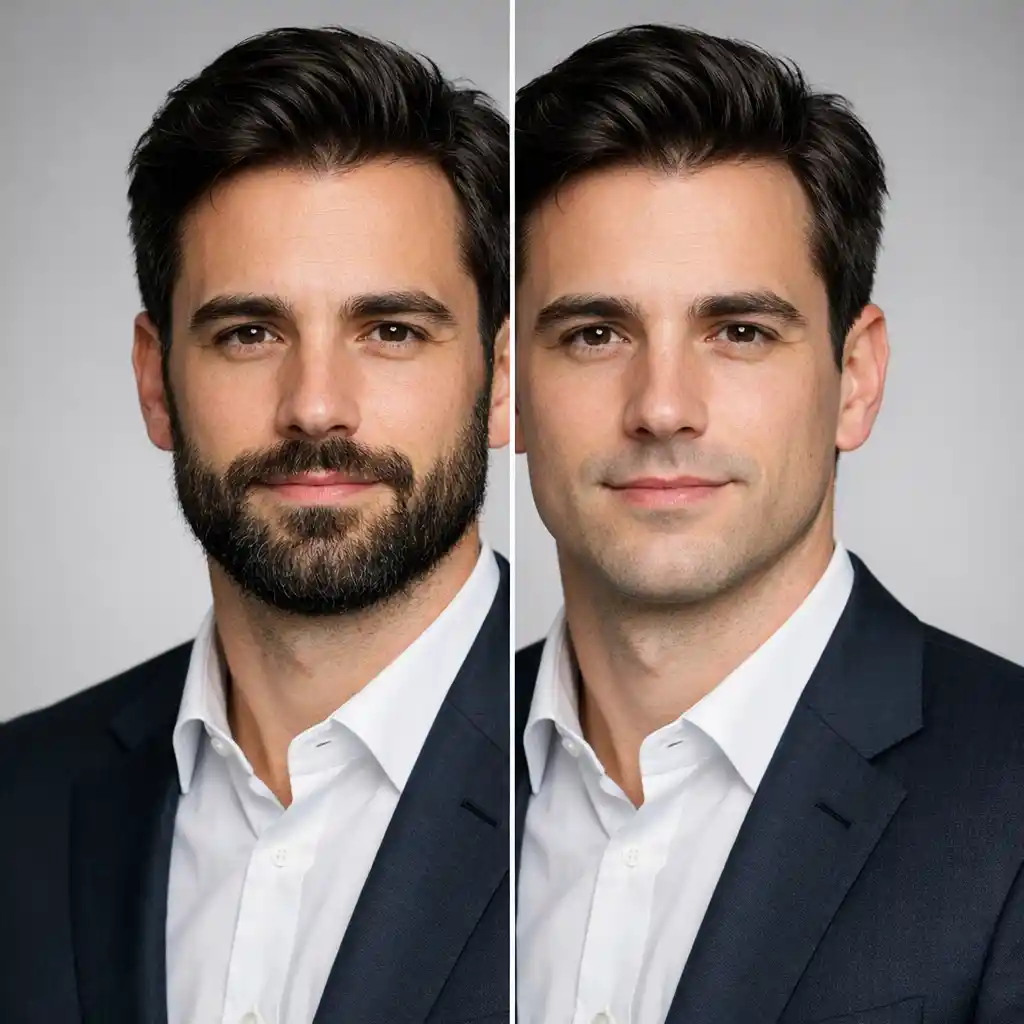
After locating the beard, AI fills the area with realistic skin. This process is called image inpainting, far better than simple blurring. Modern AI using GANs studies skin tone, lighting, and shadows around the face. It creates smooth transitions so the edit looks completely natural.
The AI does not just copy pixels—it generates new, realistic skin texture. This avoids the fake, blurry look of older editing methods. Smart fill ensures no obvious signs of digital alteration. The result is a clean-shaven face that looks authentic.
1.3 Preserving facial features: keeping your natural look
Top-tier AI removes beards without changing your real facial features. It protects your nose, mouth, eyes, and jawline during editing. The AI only targets the beard area and leaves the rest of your face untouched.
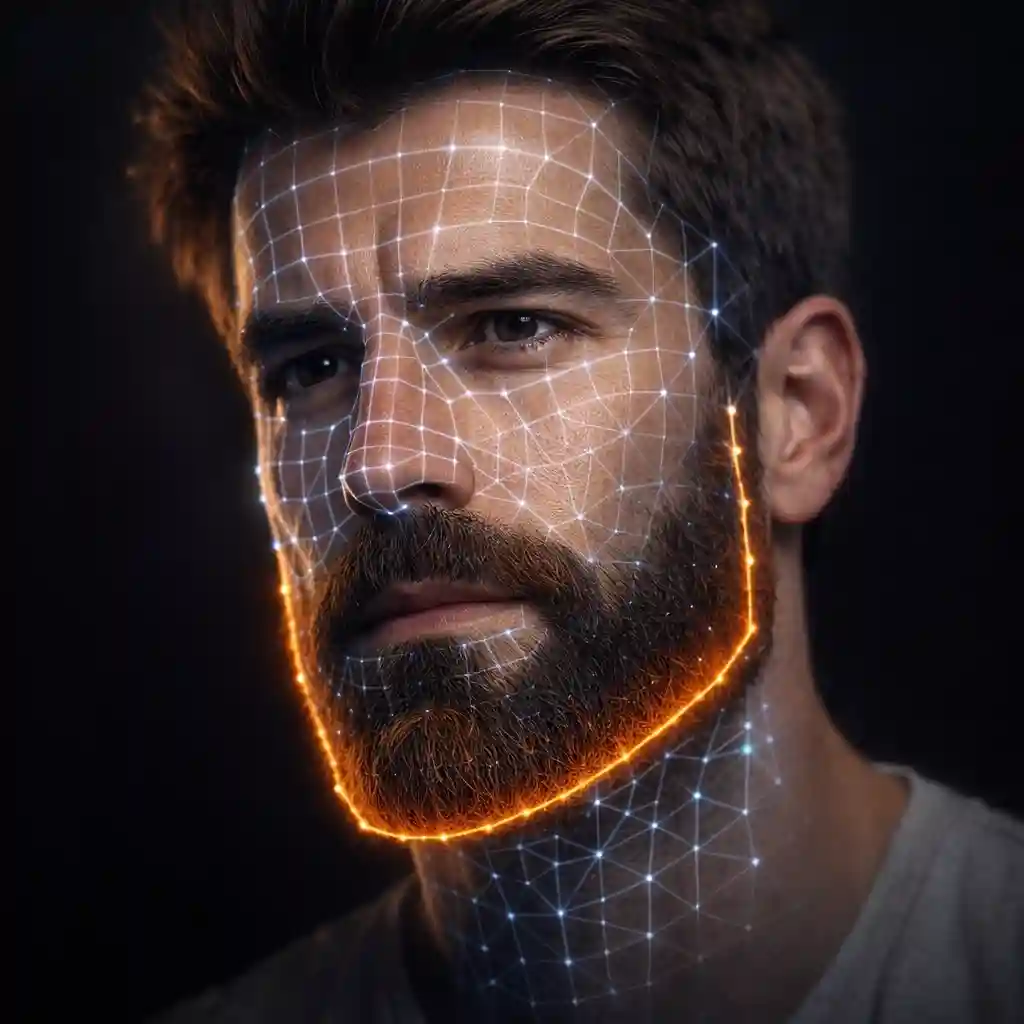
This prevents distorted, unnatural results. You keep your unique look while seeing a clean-shaven version. The best tools reveal your real face beneath the beard in a believable way. You can safely explore new styles without losing your identity.
2. Top Free AI Beard Remover Tools Online
2.1 Top 3 free AI beard remover online platforms reviewed
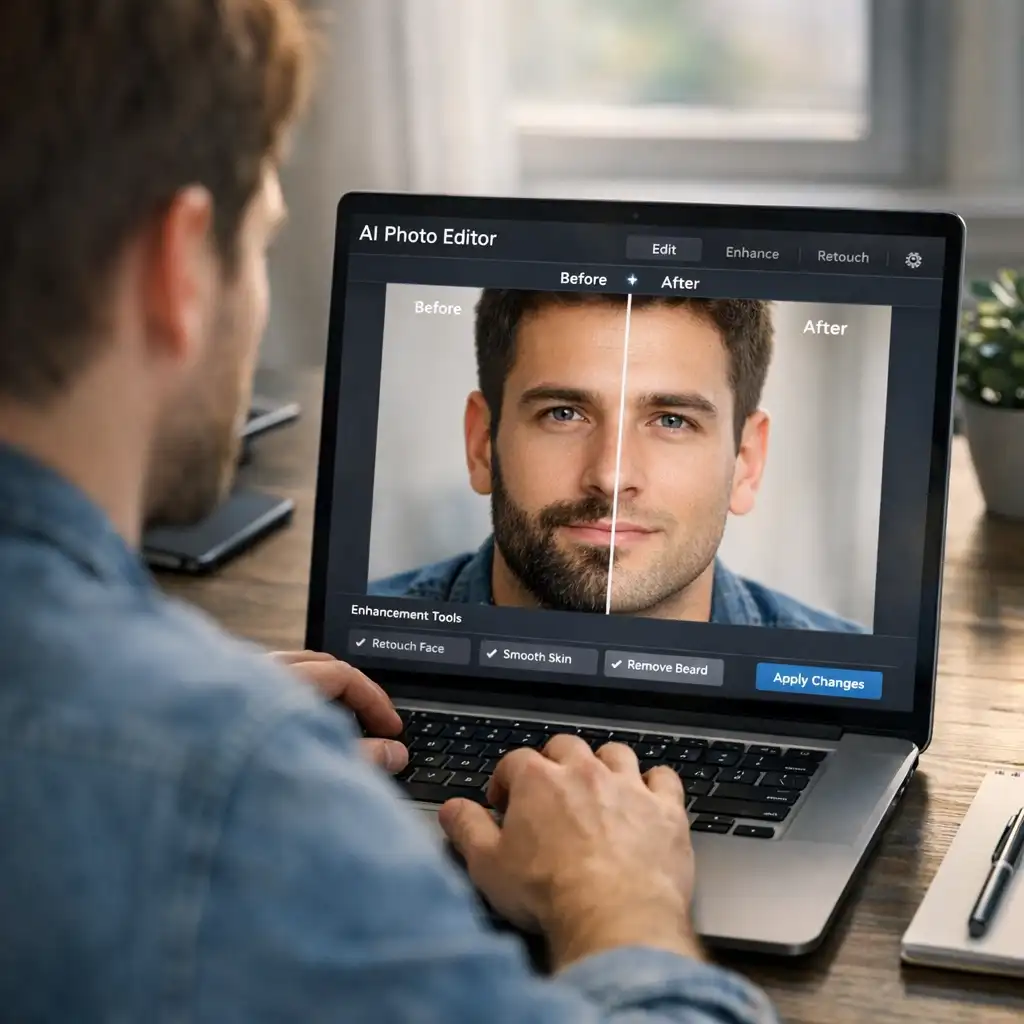
Free AI beard remover platforms let you try a clean-shaven look at no cost. They work in your browser, with no downloads or complex setups needed. The best ones use advanced AI for realistic results, but free versions often have limits like watermarks or low resolution.
BeardRemover.com is a fast, specialized tool with an intuitive interface and quick AI processing. Fotor is a multi-functional editor with a simple one-click no-beard filter, though less dedicated for this task. Pixelbin excels at natural skin texture reconstruction for seamless clean-shaven effects in seconds.
2.2 Free apps that remove facial hair: what actually works
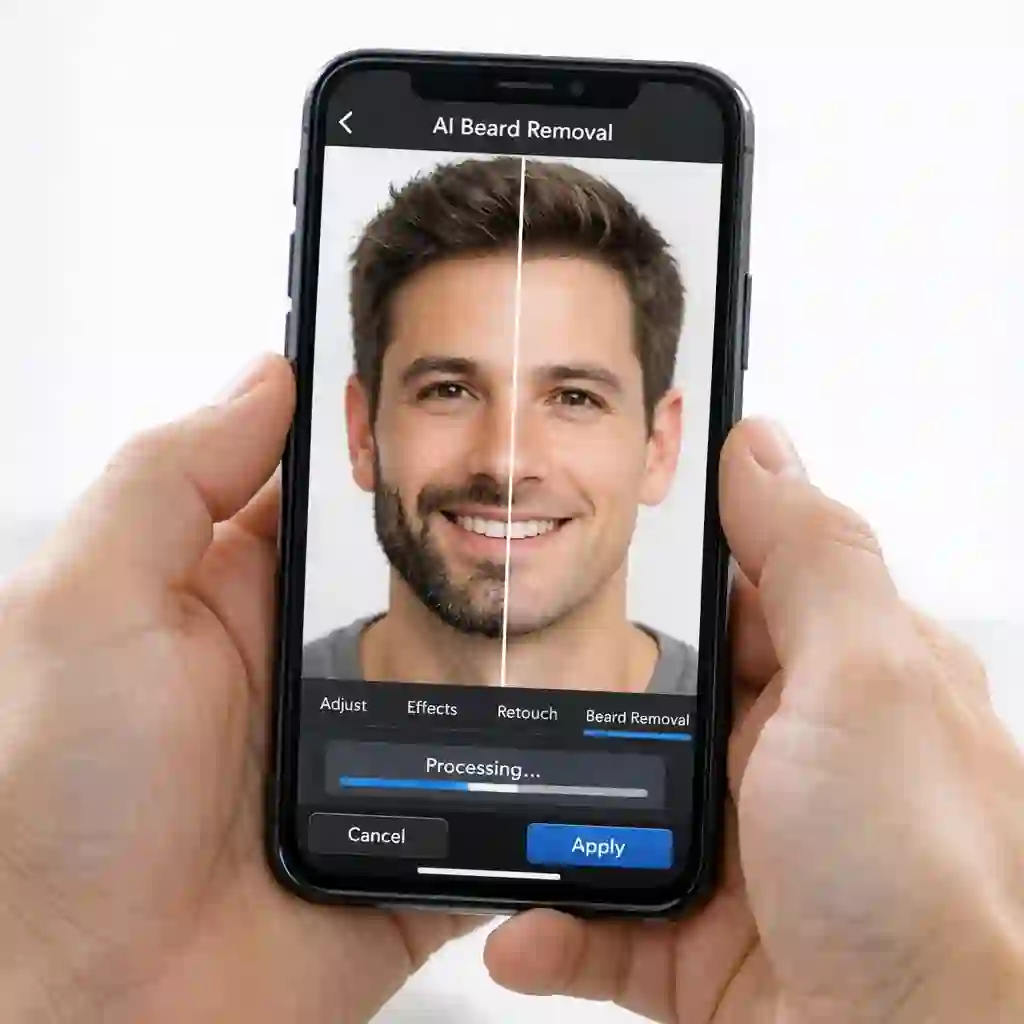
Free mobile beard remover apps let you edit on the go with simple touch controls. Many basic apps only blur facial hair for unnatural results, while top ones use AI to reconstruct skin realistically. Most free apps have in-app purchases for advanced features or watermark removal.
PhotoDirector stands out with its AI Replace tool, making it easy to remove facial hair with natural blending. YouCam online editor uses face mapping and AR for a smooth "Shaved" preview, great for quick style experimentation. Both deliver accurate, realistic clean-shaven results on mobile.
2.3 Tips to get the best results from free tools
Start with a high-res, well-lit front-facing photo for the best AI performance. Blurry, shadowy or angled shots lead to distorted, unrealistic edits. Understand free tools' limits—they may struggle with thick beards or complex facial contours, leaving minor flaws.
Treat free tool outputs as previews, not professional final edits. Experiment with multiple platforms and apps. Different AI algorithms work better for unique facial structures and beard types, so compare results to find your best fit.
3. The Best Apps That Remove Beards: Paid vs. Free
3.1 What paid AI beard removal apps do better
Paid beard remover tools offer far better quality and functionality than free versions. Their advanced AI is trained on larger datasets, enabling precise facial detection and natural skin reconstruction with minimal artifacts.
Paid tools provide high-res, watermark-free outputs and no daily usage limits—ideal for professional use. They also include advanced editing features like lighting and skin tone adjustment. This full control creates polished, seamless results that integrate perfectly with the original photo.
3.2 Top paid tools reviewed: features, pricing, and who they're for
Pokecut delivers professional-grade precision with generative AI for facial hair removal and skin restoration. Its adjustable brush offers fine-tuned control, perfect for detailed edits for headshots or portfolios. It uses subscription or one-time purchase pricing models.
PhotoDirector Premium unlocks unlimited AI beard removal, high-res exports and an ad-free experience. Its user-friendly interface suits all skill levels, with comprehensive editing tools alongside beard removal. It offers monthly/annual subscriptions with regular updates.
3.3 Advanced tips: getting a polished result for professional use
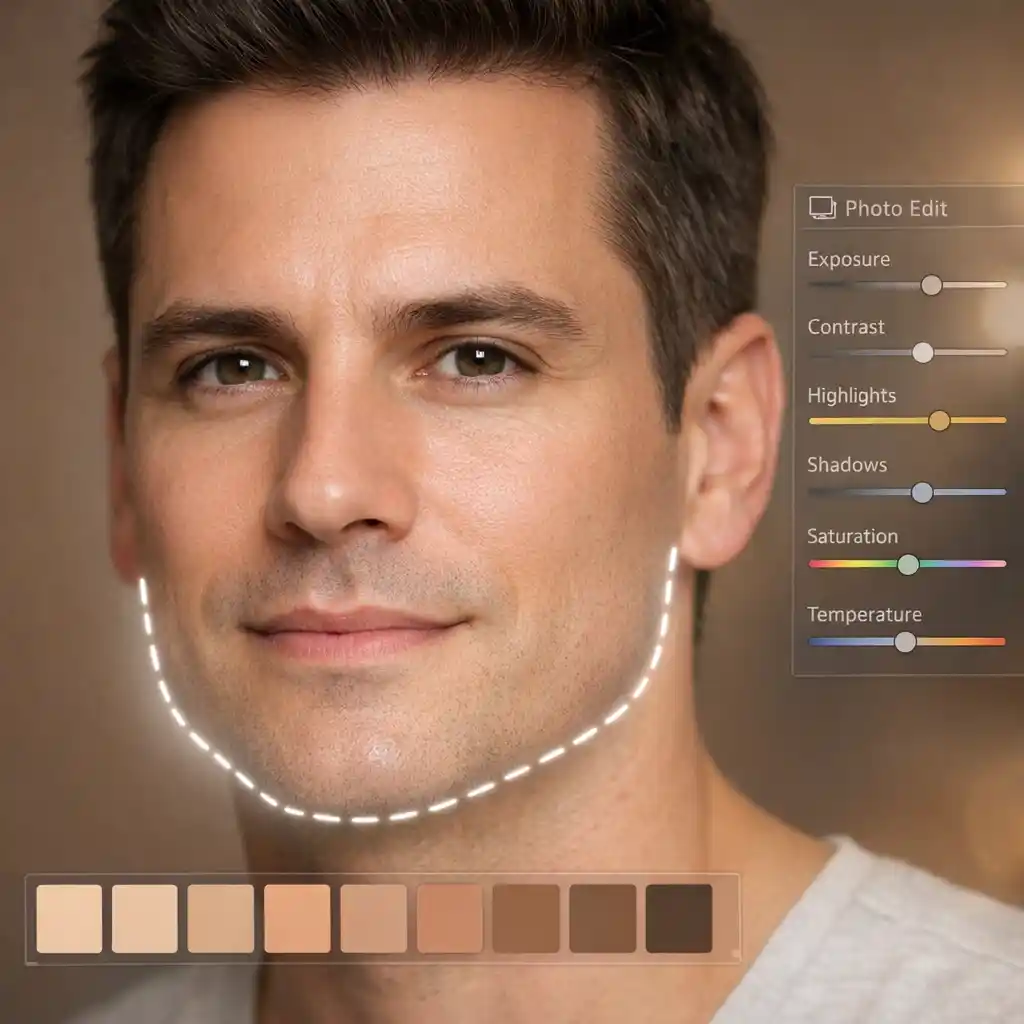
Use the highest resolution image available for detailed AI skin and contour reconstruction. Opt for even, soft lighting—avoid harsh light or backlighting that confuses the algorithm. Choose tools with manual refinement options to fix subtle AI imperfections.
Do minor post-processing after beard removal. Adjust skin tone, contrast and sharpness to blend the edited area with the rest of the face. These small tweaks create a convincing, natural look for professional headshots and online profiles.
4. What Would I Look Like Without a Beard? Real Use Cases
4.1 Career and professional image: does clean-shaven help?
Facial hair perceptions vary by industry and culture. Beards can signal expertise, while clean-shaven looks often read as professional and approachable in corporate or client-facing roles. AI previews let you test a clean-shaven look for different professional contexts without commitment.

4.2 Exploring personal style: trying different looks risk-free
AI beard removers let you experiment with a clean-shaven look with zero commitment. Upload multiple photos to see how it changes your appearance with different angles and expressions. It also helps you test how new haircuts or eyewear pair with a beard-free face.
This risk-free exploration builds confidence for grooming decisions. You can make informed choices about changing your look, without the regret of a permanent shave.
4.3 Social media and profile photos: why people use AI beard removers
AI beard removers create versatile profile photos for social media and dating apps. They let bearded users showcase a clean-shaven look for job applications or to refresh their digital presence. The quick edits help curate a polished online identity that appeals to a broader audience.
These tools offer flexibility to match different platform aesthetics. You can easily switch between looks without making any physical grooming changes.
5. Conclusion + CTA
AI beard removal tools transform how men explore their appearance, with a risk-free way to preview a clean-shaven look. They end the guesswork of speculative shaving, catering to personal curiosity, style exploration and professional needs. With precise AI tech and diverse free/paid options, you can curate your image with full control.
Ready to discover your clean-shaven potential? Don't leave it to guesswork. Visit beardremover.com today and try our advanced AI beard removal tool. See what you'd look like without a beard, effortlessly and realistically, before you make the commitment.