
The Beard Remover Filter Uncovered: Why It's So Hard to Find (& 5 Apps That Actually Work in 2025)
Have you spent hours scrolling through Instagram and TikTok for a beard remover filter? You found that most of them do the opposite and add a beard instead. You're not alone.
The search for a beard remover filter illustrates an ongoing frustration: why is this basic feature so rare? Let’s examine the challenges limiting its availability.
The answer is a major technological gap: adding an AR layer is simple, but removing a beard and regenerating the skin and jawline beneath it in real time is a far more complex task. However, don't give up yet.
In the sections ahead, this guide explains why many real-time filters fail and reviews the 5 best apps for 2025 that actually work. Get ready for the perfect, clean-shaven look in your photos and videos.

1. Why a “Beard Remover Filter” is So Rare on Social Media
You may have noticed that on TikTok or Instagram there are hundreds of filters to give you a beard. But almost none let you shave one off. This is not an accident. It’s the result of complex technical hurdles and different market demands. This simple function actually reveals the limits of current technology.
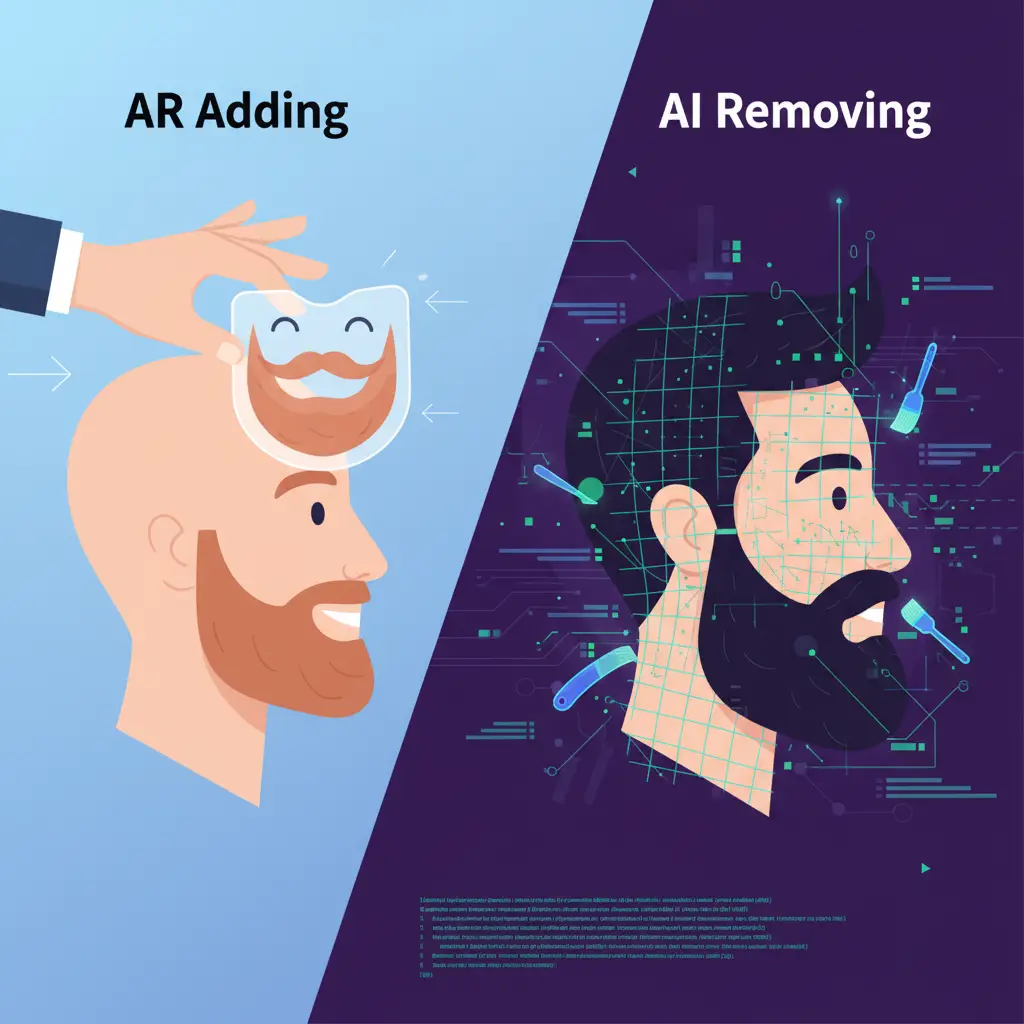
1.1. The Technology Gap: AR “Adding” vs. AI “Removing”
Augmented Reality (AR) filters work simply. Think of them as transparent digital stickers for your face. When you add sunglasses or a fake beard, the camera identifies key points on your face. It then overlays a pre-made image on top. This process is fast and does not require much computing power.
But removing a beard is a different game. It’s not about overlaying; it’s about rebuilding the face with Artificial Intelligence (AI). The AI must first identify what a beard is and what skin is. Then, it has to “imagine” the jawline, skin texture, and even the light and shadows beneath the hair.
It’s like hanging a picture versus patching a hole in a wall. Hanging a picture is easy. To fix a hole, you need to fill it, sand it, and paint it with a perfect color match to make it seamless. This complex removal must be applied to every frame of a live video. It is a task that most phones today still cannot handle.
1.2. The Infamous Case of Snapchat’s “No Beard Filter”
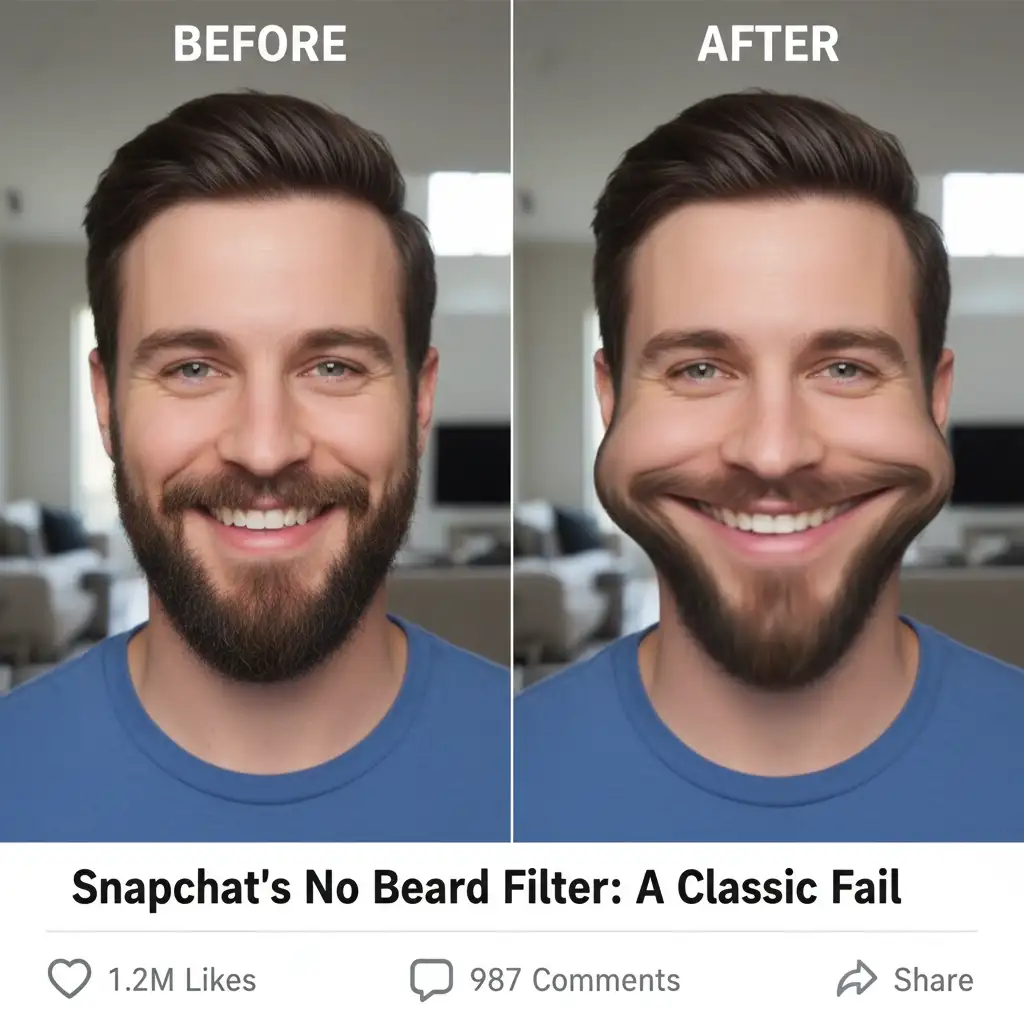
A few years ago, Snapchat’s short-lived “No Beard Filter” went viral. People used it to see themselves or their friends clean-shaven, which led to hilarious results. This case is a perfect example of how difficult this technology is to get right.
The filter became popular not because it worked well, but because it was often “bad.” It generally worked well on short, evenly colored stubble. With longer or thicker beards, the filter would glitch. It created a weird, blurry, or distorted jawline. This proved that the AI at the time couldn't handle complex beard styles.
The filter did not become a permanent feature on Snapchat. It provided novelty and humor, but it wasn't a reliable beard removal tool. The platform could not guarantee good results for all users. This inconsistency prevented it from going mainstream.
1.3. Market Demand: Entertainment Value vs. Editing Needs
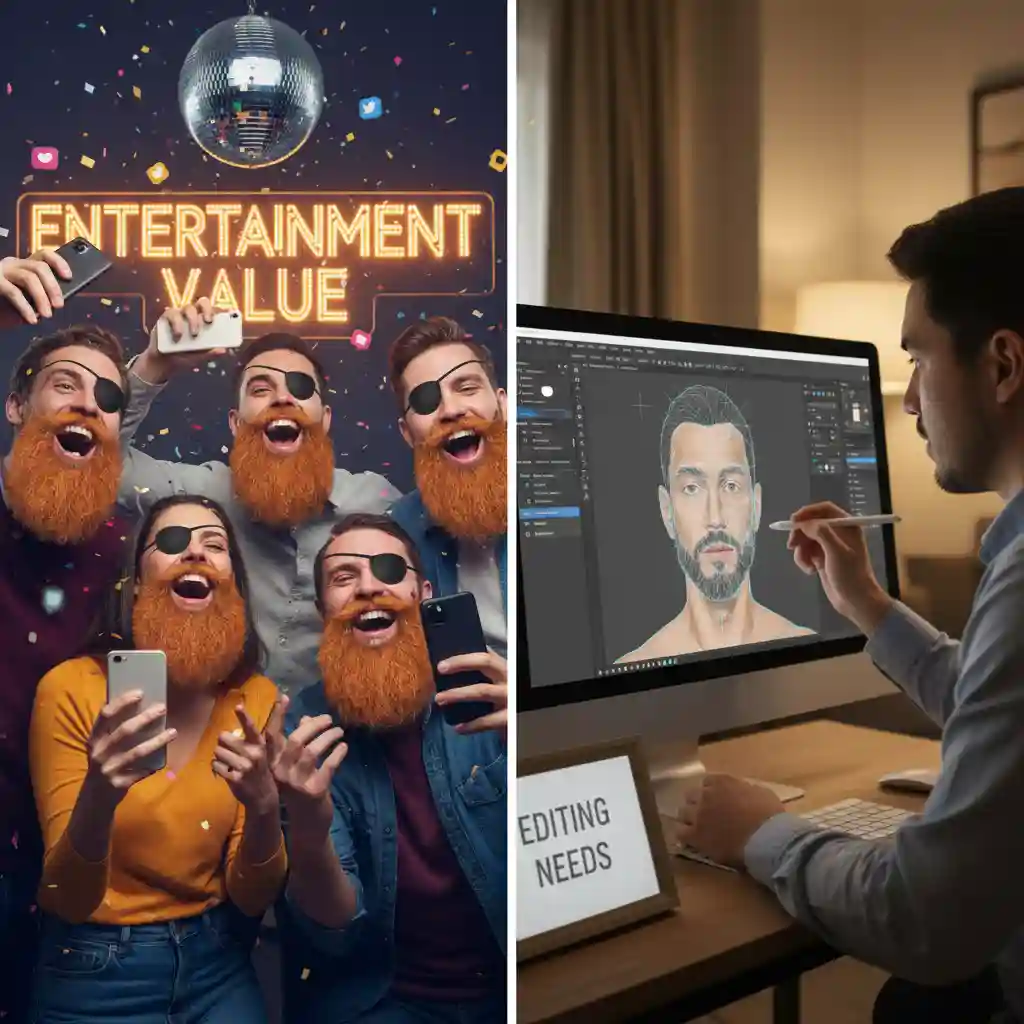
The core purpose of social media platforms is “socializing” and “entertainment.” A filter that gives you a giant Viking beard or turns you into a clown has massive viral potential. People love making funny videos and starting trends. This drives huge traffic to the platform.
In contrast, the demand for a “beard remover filter” is more personal and functional. A user wants it out of curiosity or for a specific photo-editing need, not to create a funny video to share with the world. Its value lies in “editing” more than in “entertaining.”
Therefore, for platforms like Instagram and TikTok, it makes more business sense to develop simple, fun AR stickers. Investing in complex technology with low entertainment value is not a priority. They prefer to leave such specialized editing features to dedicated photo-processing apps.
2. The 5 Best “Beard Remover App” Alternatives for 2025
Finding an effective beard remover filter on social media is nearly impossible. We have to look to more specialized tools, such as photo editing apps. These apps aren’t simple real-time filters; they are powerful post-processing tools. They deliver the clean-shaven look you've been searching for. Their realism is unmatched by any live filter. Forget the futile search; here are the top five apps we tested.
On Reddit, in particular, there is a significant number of users asking for beard removal apps. For example, under this subreddit, many are discussing where to find these filters. Often, girlfriends are curious to see what their boyfriends would look like clean-shaven.
2.1. Review 1: Beard Remover – this is our tool AI Beard Removal
If you're looking for the closest thing to an ideal beard remover filter, Beard Remover is your answer. It was designed for this task and is easy to use. You upload a photo, navigate to “Styles,” select “Beards,” and tap “No Beard.” The AI does all the heavy lifting in seconds.
Its core strength is its state-of-the-art AI generation technology. It doesn’t just erase the beard. It also reconstructs the jawline and skin texture underneath with stunning accuracy. Compared to other tools, its results are nearly flawless. It can handle even the thickest, densest beards. This makes it the most believable beard-removal filter alternative on the market.
You can try the Beard Remover Filter here! (try the Beard Remover Filter here)
Of course, the app is subscription-based and focuses on static photos. But if you want the best results with the least effort, it’s an investment well worth making. For anyone tired of searching for a working beard remover filter on TikTok, Beard Remover is the ultimate solution.
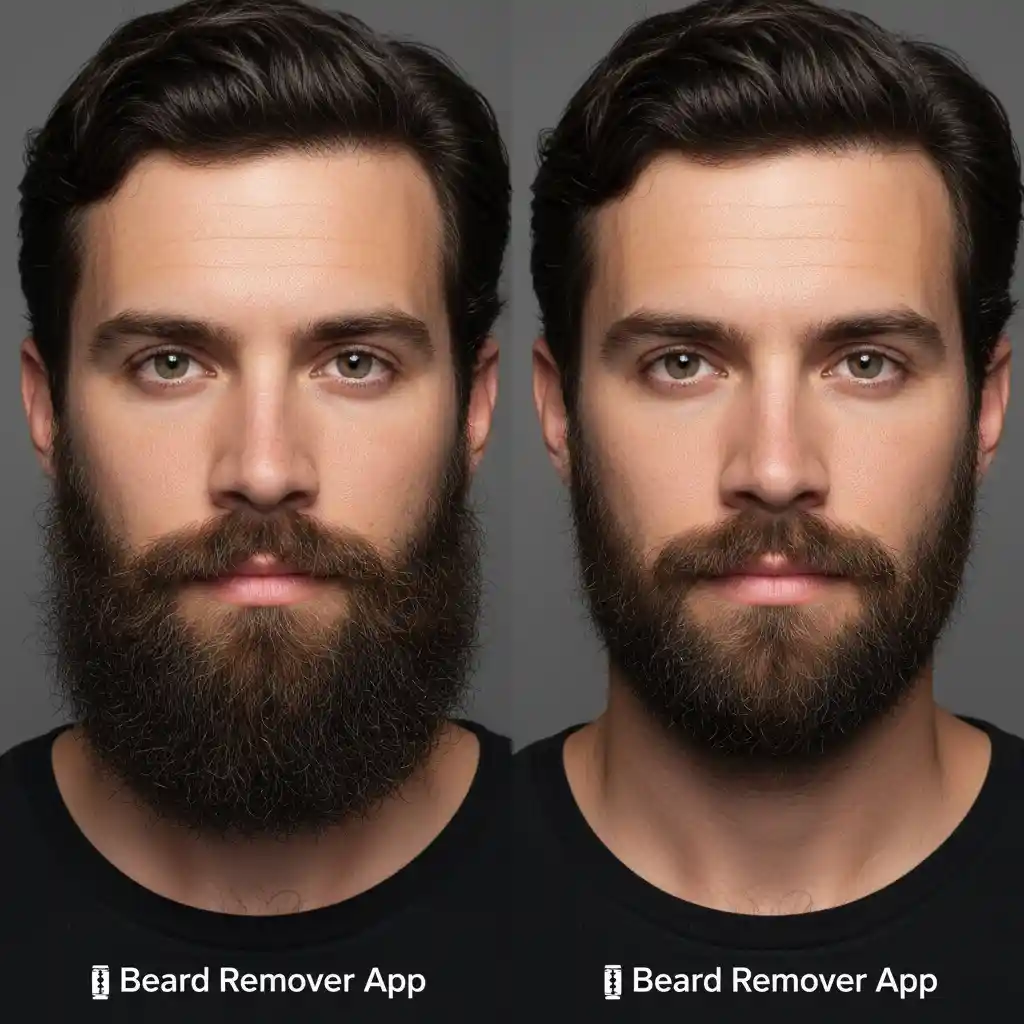
Here is a detailed tutorial for our tool (How to Remove Beard Hair Naturally)
Even if you like diverse styles, we can also provide them to you (provide diverse styles to you)
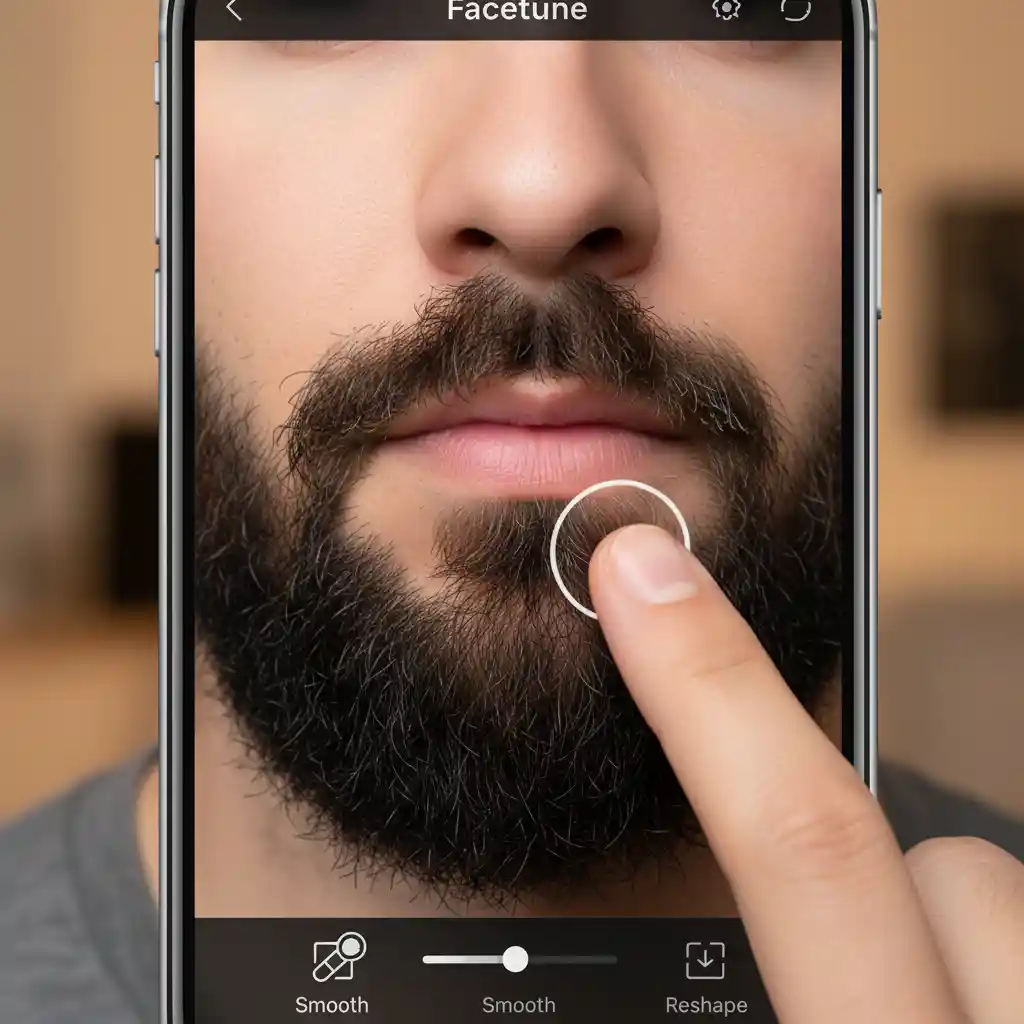
2.2. Review 2: Facetune – For Meticulous Manual “Shaving”
Facetune offers a different approach from AI: full manual control. It doesn't have a one-tap beard remover filter. Instead, it requires you to work like a digital artist. Using its powerful “Patch” or “Smooth” tools, you can “paint away” the beard.
The advantage of this method is control. You can zoom in on details, ensure edges are blended, and make fine adjustments based on light and shadow. This is very appealing for professional users who demand perfection.
But the downsides are just as clear. The process is very time-consuming, especially for a thick beard. If you have no photo editing experience, you might find it difficult and could even make a mess of your photo. It's not for users who want a quick beard remover filter for a laugh.
2.3. Review 3: Picsart – The Powerful Creative Editor
Picsart is a comprehensive creative suite, with beard removal among its many features. It offers two methods: an AI-powered “Remove” tool and a manual “Clone” tool, making it flexible. The AI handles most cases well, but results may not match Beard Remover’s consistency or polish. If the AI falls short, use the clone tool to sample clean skin from the cheeks or neck and cover the beard. Though not a dedicated beard remover filter, its versatility is a plus.
Picsart’s strength is its versatility. After removing facial hair, you can adjust colors, add stickers, or make other creative edits. It’s for users wanting more than facial hair edits.
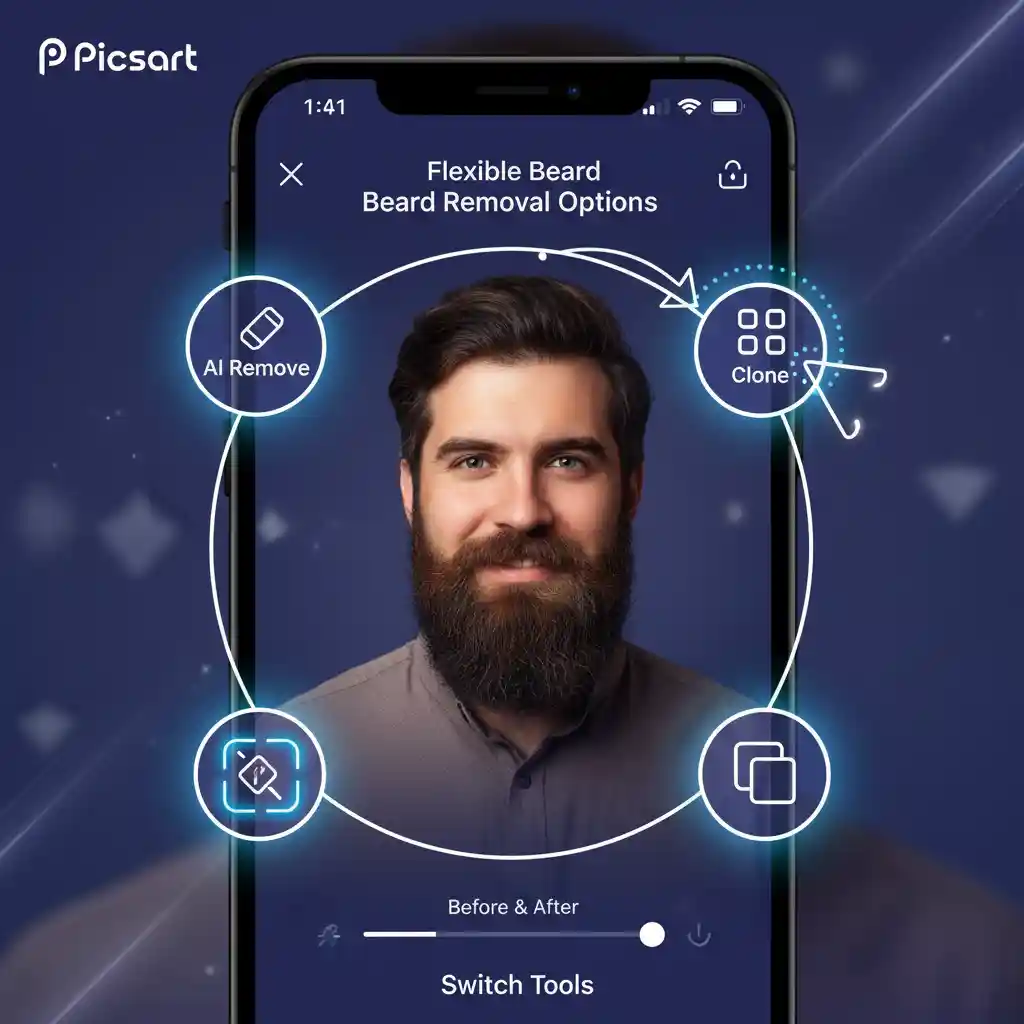
2.3. Review 3: Picsart – The Powerful Creative Editor
Picsart is a comprehensive creative suite, and beard removal is one of its many features. It offers two methods: an AI-powered "Remove" tool and a manual "Clone" tool, making it a flexible option.
Its AI tool can handle most situations , but the results may not be as consistent or polished as those from Beard Remover. When the AI falls short, you can use the clone tool to sample clean skin from the cheeks or neck to paint over the beard. While not a specialized beard remover filter, its versatility is a major plus.
Picsart's greatest strength is its "Swiss Army knife" approach. After you finish the beard removal, you can go on to adjust colors, add stickers, or make any other creative edits you want. It's for users who want to do more than remove facial hair.

2.4. Review 4: YouCam Makeup – The Virtual Shave Effect
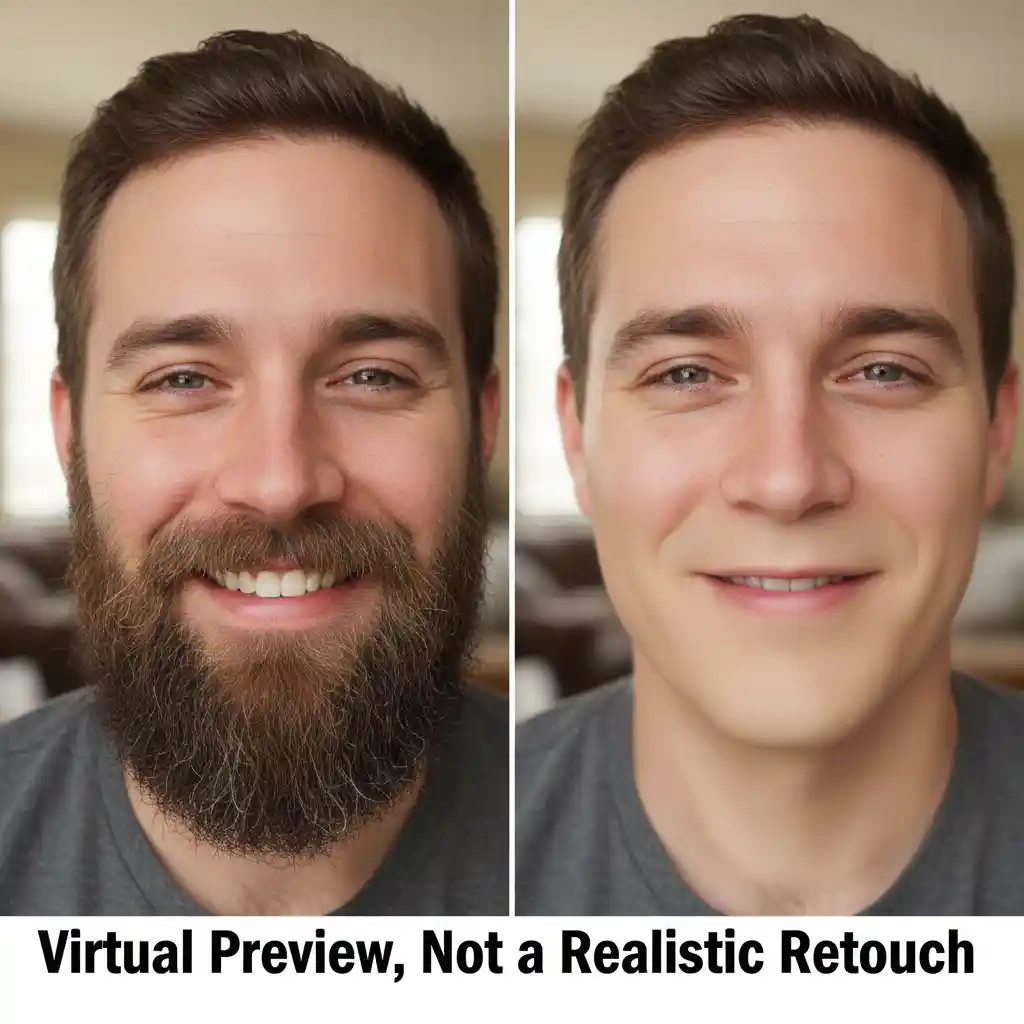
YouCam Makeup takes a different approach from the other apps. It's more of a virtual makeup and styling salon than a pure photo editor. Its "shaving" function is for "previewing" a clean-shaven look, not for performing a realistic photo retouch.
It offers various clean-jawline styles to try on. The effect is fast and intuitive. This is great for people who are curious to see what they'd look like without a beard. But the results often have a distinct "makeup" feel, with skin that looks too smooth to be real. Don't expect it to function as a photorealistic beard remover filter.
Omit, YouCam Makeup is great for entertainment. It's not the best choice if you need a natural-looking photo to share on social media.
2.5. Review 5: Adobe Photoshop Fix – Pro-Level Retouching, Simplified
Adobe Photoshop Fix strikes a perfect balance. It's for those who find Facetune's manual process too tedious and automated AI tools unreliable. As part of the Adobe family, it inherits the powerful healing and retouching technology of desktop Photoshop.
Its "Heal" and "Clone Stamp" tools are more intuitive than Facetune's and more powerful than their counterparts in Picsart. It does an excellent job of preserving skin texture and lighting. This allows you to achieve a near-professional beard removal right on your phone. It proves that a great result doesn't need a dedicated beard remover filter; it just requires a great editing tool.
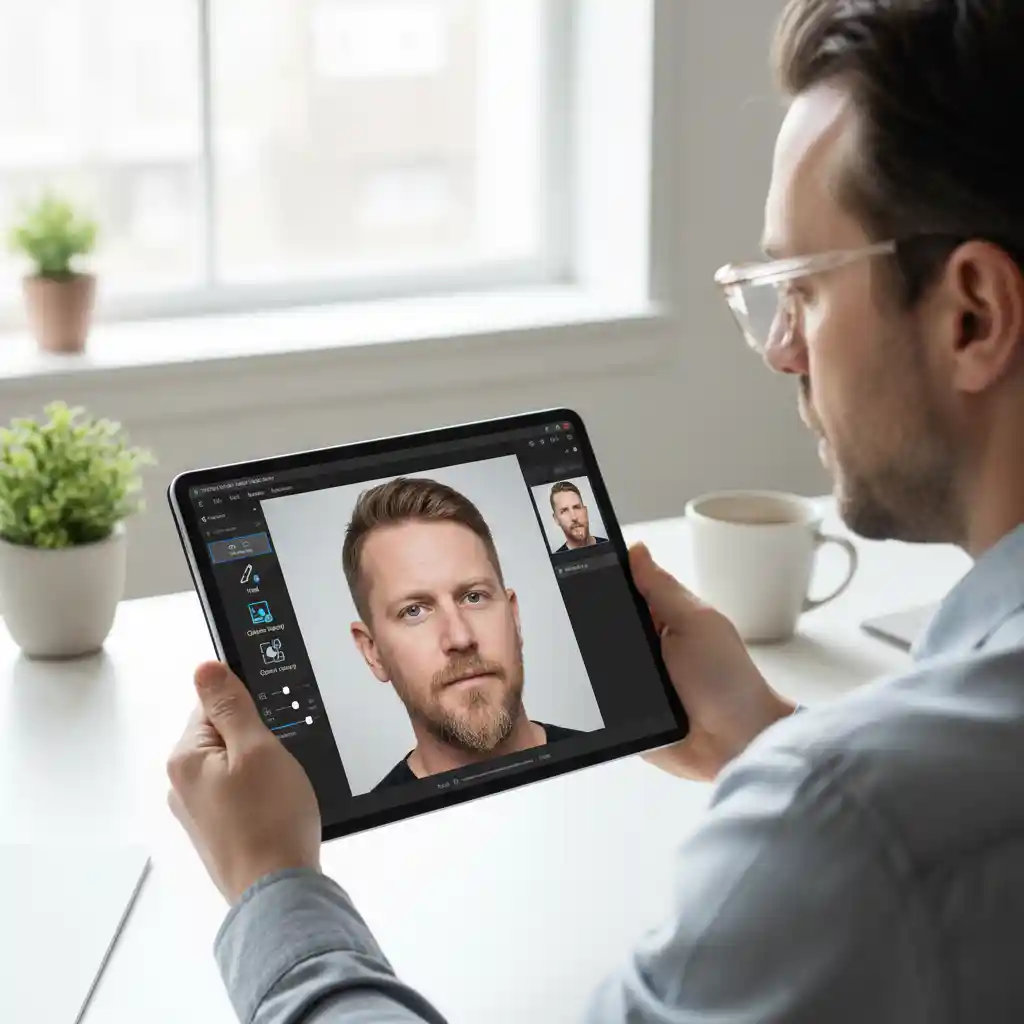
2.6 Review 6: Video Beard Removal – Stunning Visuals, Obvious Flaws
Video beard removal offers a striking visual experience. It allows users to preview a clean-shaven look in real time while moving and speaking, without actually shaving. The dramatic visual contrast provides strong comedic value. This makes it ideal for pranks and reaction videos.
Yet, the limitations are clear. As shown in the video below, the filter fails to process the man in the green sweater with a long beard. It cannot regenerate the obscured neck, collarbone, and clothing from scratch. Real-time rendering lacks the necessary computing power. So, long beards are often left unfinished, resulting in a blurry, pixelated mess.
Facial restoration also suffers from significant failures. In the following video, the filter fails to infer the underlying bone structure. Instead, it smooths over the outer edge of the beard. This creates an unnatural, bloated appearance. The face resembles a balloon because it lacks skeletal definition.
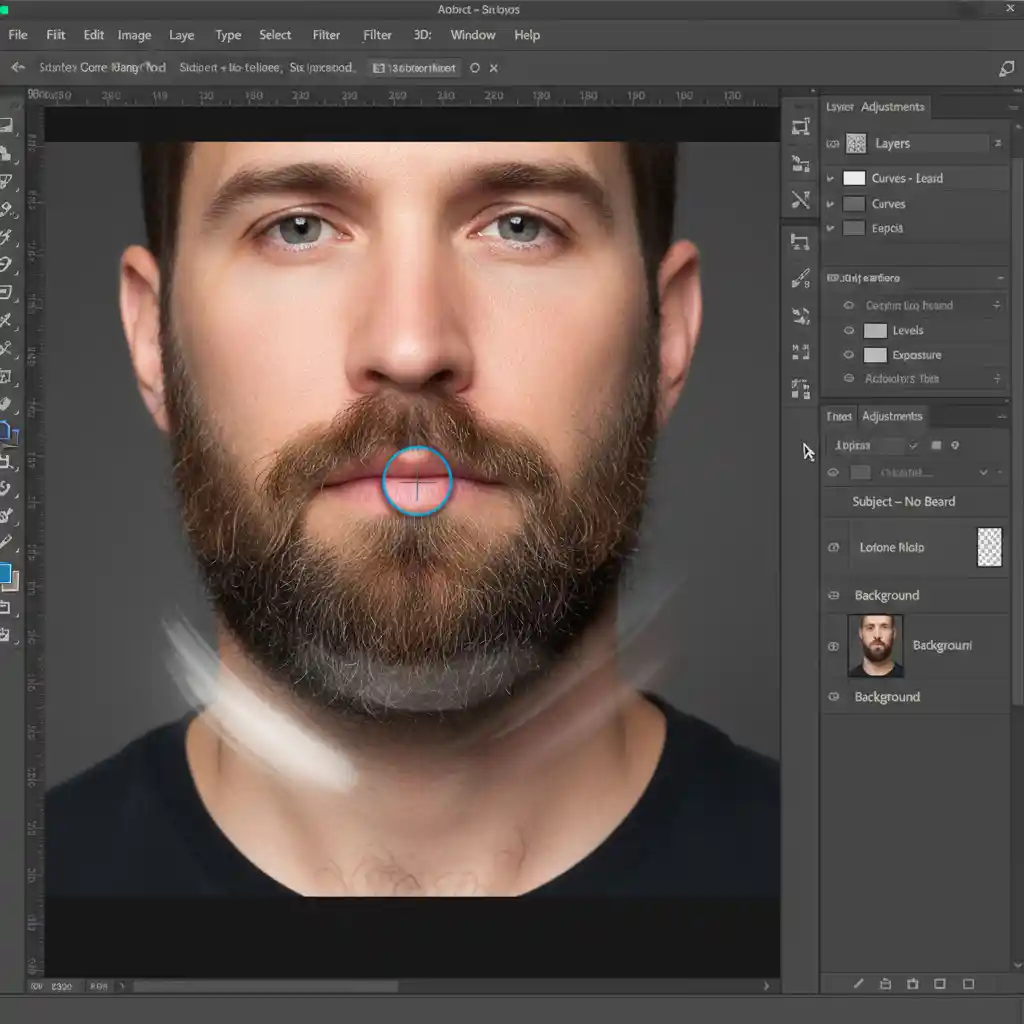
3. Ultimate Guide: Remove a Beard in Photoshop (Advanced)
If app results aren't precise enough for you, Photoshop is the ultimate tool. Forget one-click solutions; professional results need professional techniques. This manual beard removal process gives you complete control for a finish no automated filter can match.
3.1. Step 1: Preparation (Layers and Selection)
First, always duplicate your background layer in the Layers panel. This non-destructive step protects your original image. Next, use the Lasso Tool to draw a rough selection around the beard area. It doesn't need to be perfect.
3.2. Step 2: Core Tools: Content-Aware Fill and Clone Stamp
With your selection active, use the "Content-Aware Fill" command. Photoshop will analyze the surrounding skin and perform a first pass, quickly removing the bulk of the beard. This is far more powerful than any basic beard-remover filter.
Now, switch to the "Clone Stamp" tool for fine-tuning. Hold the Alt/Option key to sample a clean skin texture from the cheeks or neck, then paint over any remaining stubble. This is the crucial step, offering a level of control no automated beard remover tool can provide.
3.3. Step 3: Rebuilding Light and Texture
After removing the hair, the area will look flat. Use the "Dodge" and "Burn" tools to reintroduce the natural contours and shadows of the jawline. Finally, to avoid a fake, plastic look, add a tiny amount of "Noise." This simulates real skin texture and is the final touch that separates pro work from a simple beard remover filter.
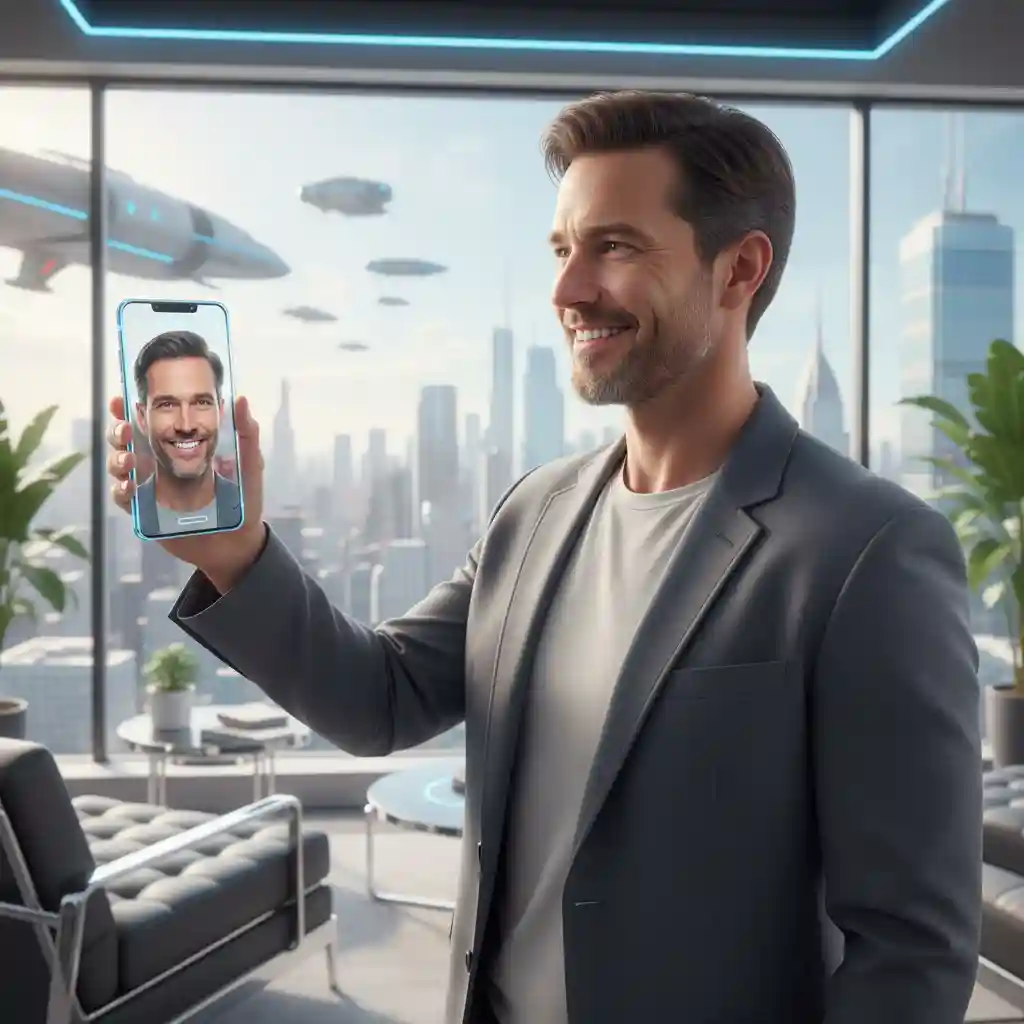
4. The Future of the "Beard Remover Filter": How AI Will Change the Game
We rely on apps for beard removal today, but the rules are set to change completely in the coming years. Thanks to the rapid advancement of Generative AI, a true, real-time beard remover filter is no longer a distant fantasy.
4.1. The Leap from Static Photos to Real-Time Video
AI models like Sora are groundbreaking. They do more than just edit pixels; they are learning to understand the physical world, including lighting, textures, and 3D shapes. This deep understanding is the key to a believable real-time video beard remover. It will allow AI to reconstruct a jawline in motion.

4.2. True Real-Time AI "Refacing" Filters
As the processing power of mobile chips grows, running complex AI models will become effortless. We can expect an intelligent beard remover filter to emerge. It will handle changes in lighting and facial expressions as you talk, smile, or turn your head. Beard Remover Filter is the ultimate beard remover filter we've always wanted.
4.3. Beyond Entertainment: Potential AI Filter Applications
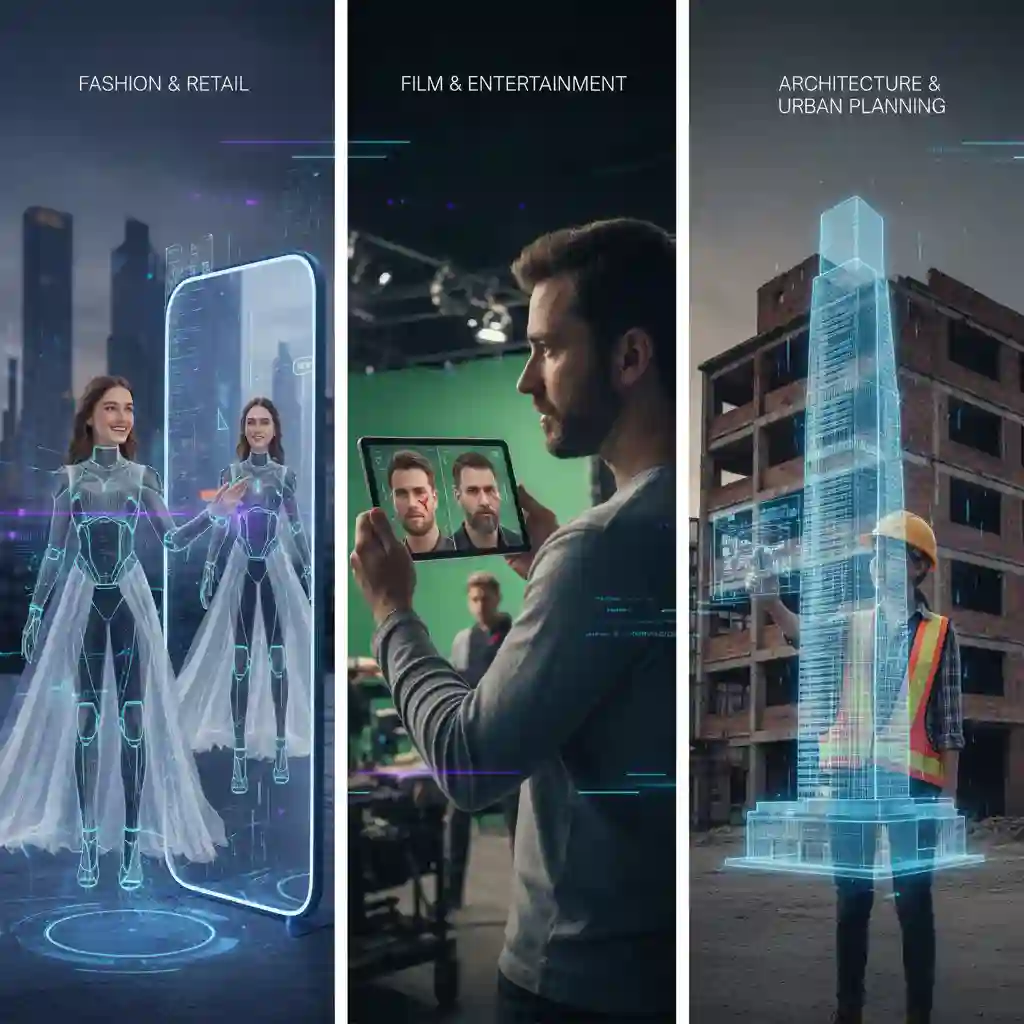
This "remove and reconstruct" technology has potential far beyond a fun beard remover filter. The same core principles can apply to virtual try-ons, letting you see how clothes look on you. You can even use it for instant previews of special effects in filmmaking, revolutionizing the creative process.
5. So, what's the final verdict?
It's simple. Your search for a perfect, real-time beard remover filter on TikTok or Instagram will almost certainly fail. The technology is too complex for live video. But this doesn't mean you can't get the clean-shaven look you want—you've just been looking in the wrong place for a beard remover filter.
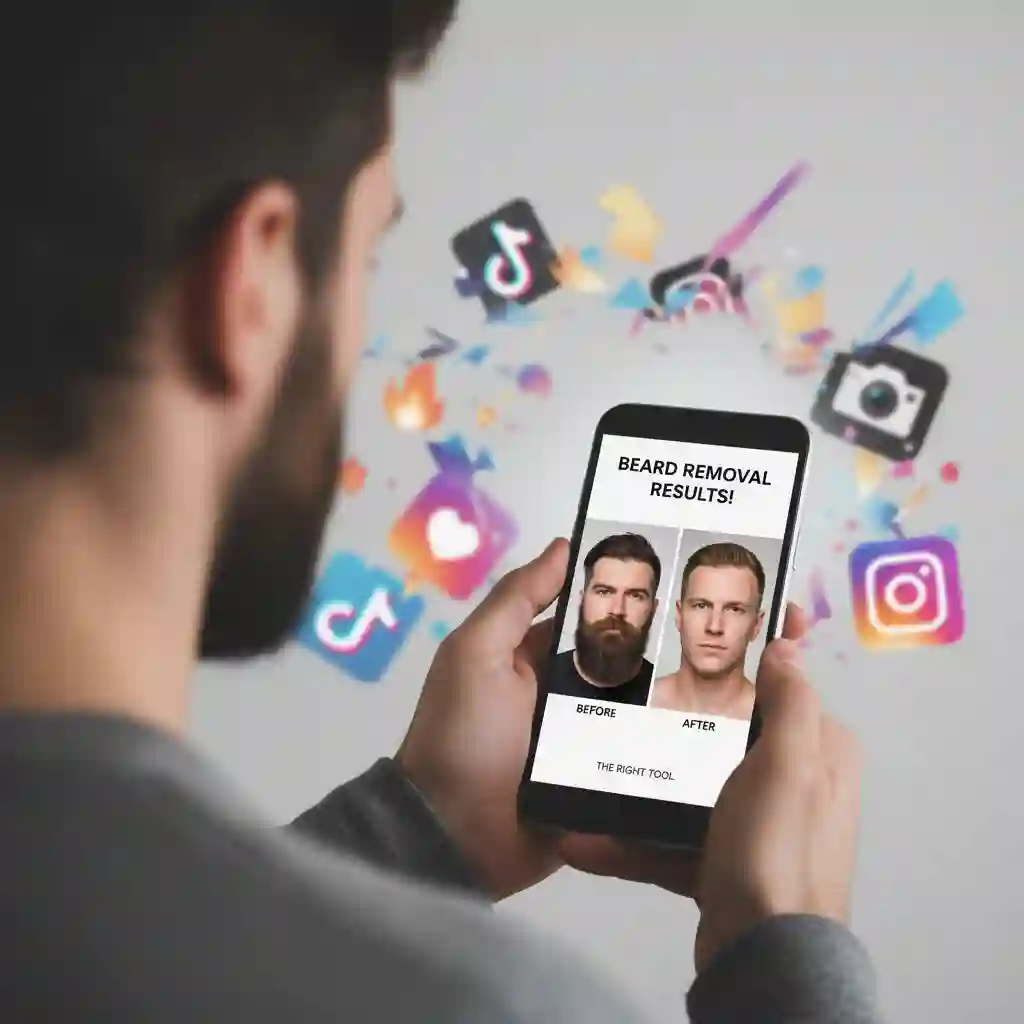
The real solution is more direct and powerful. Forget the glitchy filters. The real beard remover filter lies in a dedicated online tool like Beard Remover. For most people, the beard remover filter is the fastest and most natural option for high-quality beard removal. The beard remover filter was built for one specific purpose. Beard Remover Filter is the ultimate beard remover filter you were looking for, just as a superior, download-free web application.
What are you waiting for? Stop searching and start creating! Try this top-tier beard remover filter for yourself. See the incredible, realistic results firsthand.
Finally, did this guide end your confusion about the elusive beard remover filter? Do your friends a favor and share it with them. It is especially for anyone still hunting for a beard remover filter that actually works.

Still struggling to get that perfect AR effect on social media? Discover the absolute easiest way to preview your clean-shaven face using our ultimate online no beard filter simulator.
Reference
Perfect Corp. No Beard Filter Apps
CyberLink Best Beardless Filter Apps in 2025