
No Beard Filter & Beard Simulator: The Complete Guide to Trying a New Look Online
In today's digitally-driven world, our online presence offers a dynamic playground for experimentation and self-discovery. Many individuals are curious about how they might appear with a different facial hair style, whether it's the sleek look of a clean-shaven face or the distinguished presence of a full, well-groomed beard. However, finding reliable no-beard or beard-adding filters on social media can be challenging.
Often, available tools deliver unconvincing, low-quality results that fail to accurately represent a potential new look. Users also frequently struggle with saving and sharing these transformed images, limiting their ability to showcase their digital makeovers. The landscape of advanced beard simulation tools can seem daunting and unfamiliar, leaving many unsure where to begin.
This comprehensive guide aims to demystify the intricate world of beard filters and simulators. It provides a clear, step-by-step resource for anyone looking to experiment with their appearance online, offering insights into the technology, best practices, and solutions to common issues, ultimately empowering users to confidently explore their virtual facial hair possibilities.

1. Why People Use Beard Filters and Simulators
1.1 The rise of virtual appearance tools on social media
The proliferation of virtual appearance tools, particularly augmented reality (AR) filters, has dramatically reshaped how individuals interact with social media. These filters allow users to instantly alter their appearance, from subtle enhancements to dramatic transformations, all within the confines of their smartphone screens. The appeal of these tools lies in their ability to offer a risk-free environment for self-expression and identity exploration.

Statistics highlight the widespread adoption of AR filters across various platforms. For instance, over 80% of users engage with AR filters on platforms like TikTok, showcasing the widespread adoption of AR in social media marketing. On Snapchat, over 350 million users engage with AR lenses daily, while Meta reports that over 600 million people use AR filters monthly on Instagram or Facebook.
This massive user engagement underscores the significant role virtual appearance tools play in contemporary digital culture, providing an accessible and entertaining way for millions to experiment with their looks.
1.2 The difference between a beard remover filter and a beard simulator
While both beard remover filters and beard simulators fall under the umbrella of virtual appearance tools, they serve distinct purposes. A beard remover filter is designed to digitally erase existing facial hair, providing a glimpse of what an individual would look like clean-shaven. These filters often employ advanced algorithms to analyze facial structure and seamlessly blend the skin tone, creating a smooth, hairless appearance.
Conversely, a beard simulator adds various styles of facial hair to a clean-shaven or lightly bearded face. These tools allow users to experiment with different beard lengths, shapes, and densities, helping them visualize potential new looks without the commitment of actually growing or shaving a beard. Both types of tools leverage sophisticated technology to offer realistic previews, but their applications cater to opposite ends of the facial hair spectrum.
1.3 Common frustrations: why most filters fall short
Despite the growing popularity and technological advancements in virtual appearance tools, many users encounter common frustrations that diminish their experience. A primary concern is the lack of realism; many filters produce results that appear artificial, with unnatural textures, distorted facial features, or obvious digital artifacts. This often stems from limitations in the underlying AI or the quality of the facial mapping.
Another significant issue is the inconsistency across platforms. A filter that performs well on one social media app might be unavailable or function poorly on another, leading to a fragmented user experience. Furthermore, the sheer volume of filters available can make it challenging to find high-quality options that genuinely meet user expectations.
The inability to customize or fine-tune the effects also contributes to dissatisfaction, as users often desire more control over their virtual transformations. These shortcomings highlight the ongoing need for more sophisticated and user-friendly beard filtering and simulation technologies.
For those specifically seeking a solution to digitally remove their beard, a dedicated 'no beard filter' can be an invaluable tool. These specialized filters go beyond generic appearance alterations, focusing solely on providing a clean-shaven look. They are particularly useful for individuals contemplating a significant change in their facial hair, offering a preview without the commitment of shaving.
Many online platforms now offer free versions of these filters, allowing users to experiment with different clean-shaven appearances. The technology behind these filters often involves sophisticated AI that can accurately map facial contours and skin textures, ensuring a realistic outcome. This allows for a quick and easy way to visualize a new look, making the decision-making process much simpler for those considering a shave or just curious about their appearance without a beard.
Here show free AI-powered online no-beard filter tool, creates realistic shave effect with one click, removes various facial hair, easy to use with multiple subscription plans.

2. How the Beard Remover Filter Works
2.1 The AI technology behind beard removal filters
The effectiveness of modern beard removal filters hinges on sophisticated Artificial Intelligence (AI) and machine learning algorithms. These technologies are trained on vast datasets of images, encompassing a wide range of facial structures, skin tones, and beard styles. The AI learns to identify facial hair patterns and distinguish them from underlying skin.
When a user applies a beard removal filter, the AI first maps the contours of the face. It then analyzes the beard area, predicting what the skin beneath would look like. Advanced algorithms then generate synthetic skin texture and color, seamlessly blending it with the surrounding facial features.
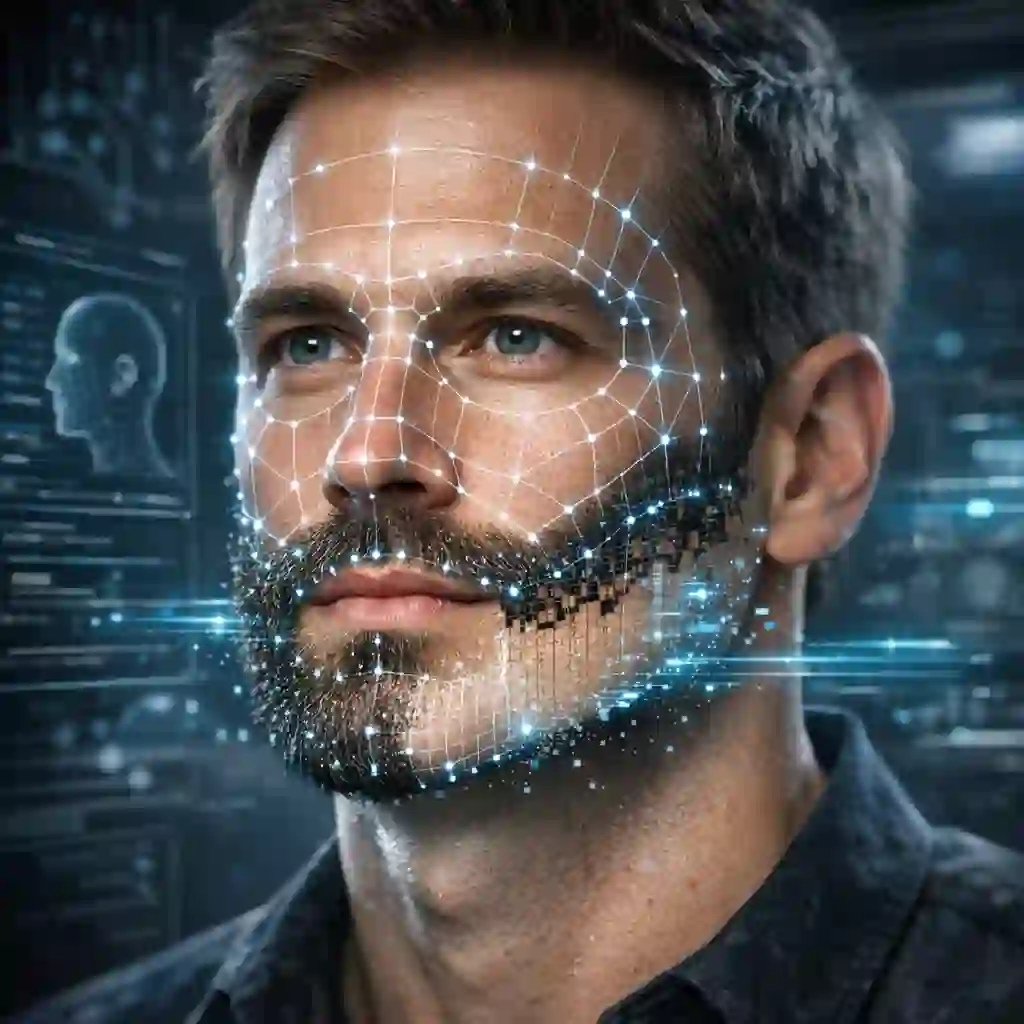
This process involves complex image processing techniques, including inpainting and texture synthesis, to create a convincing illusion of a clean-shaven face. The goal is to produce a result that is not only hairless but also natural-looking, avoiding the artificial or patchy appearance often associated with less advanced filters.
2.2 How to choose a filter that actually looks real
Selecting a beard removal filter that produces realistic results requires a discerning eye and an understanding of what makes a good filter. Firstly, look for filters that offer smooth transitions between the original face and the digitally altered area. Jagged edges or noticeable color discrepancies are clear indicators of a low-quality filter.
Secondly, pay attention to how the filter handles shadows and lighting. A realistic filter will adapt to the existing lighting conditions in your photo or video, ensuring that the newly generated skin appears consistent with the rest of your face. Thirdly, consider filters that allow for some degree of customization or fine-tuning.
The ability to adjust parameters like skin tone, texture, or the intensity of the removal can significantly enhance the realism of the final image. Finally, read user reviews or look for examples of the filter in action. Community feedback can often highlight filters that consistently deliver high-quality, natural-looking results.
2.3 Common issues and how to fix them
Even with advanced AI, beard removal filters can present several common issues. One frequent problem is an unnatural skin texture, where the digitally generated skin appears too smooth, blurry, or inconsistent with the rest of the face. This can often be mitigated by trying different filters or, if available, adjusting the texture settings within the filter itself.
Another issue is the presence of residual beard stubble or shadows, which can make the removal look incomplete. This often occurs when the original beard is very dense or dark. In such cases, using a filter with more aggressive removal algorithms or pre-processing the image to lighten the beard area might help.
Facial distortion, where the filter inadvertently alters other facial features, is also a concern. This usually points to a poorly designed filter, and the best solution is to try an alternative. For example, consider a user who has had a beard for years and is contemplating shaving it off. They might use a beard removal filter to see their clean-shaven face.
If the initial filter produces a patchy or unrealistic result, they might try several different filters or even experiment with AI photo editing tools that offer more precise control. This iterative process allows them to find a virtual representation that truly helps them visualize their potential new look before making a permanent decision to shave.
3. Beard Simulators: What Would You Look Like With a Beard?
3.1 How beard simulators work
Beard simulators operate on principles similar to beard remover filters but in reverse. Instead of removing facial hair, they add it, allowing users to visualize themselves with various beard styles. These tools typically employ advanced facial recognition and AI algorithms to accurately map the user's face.
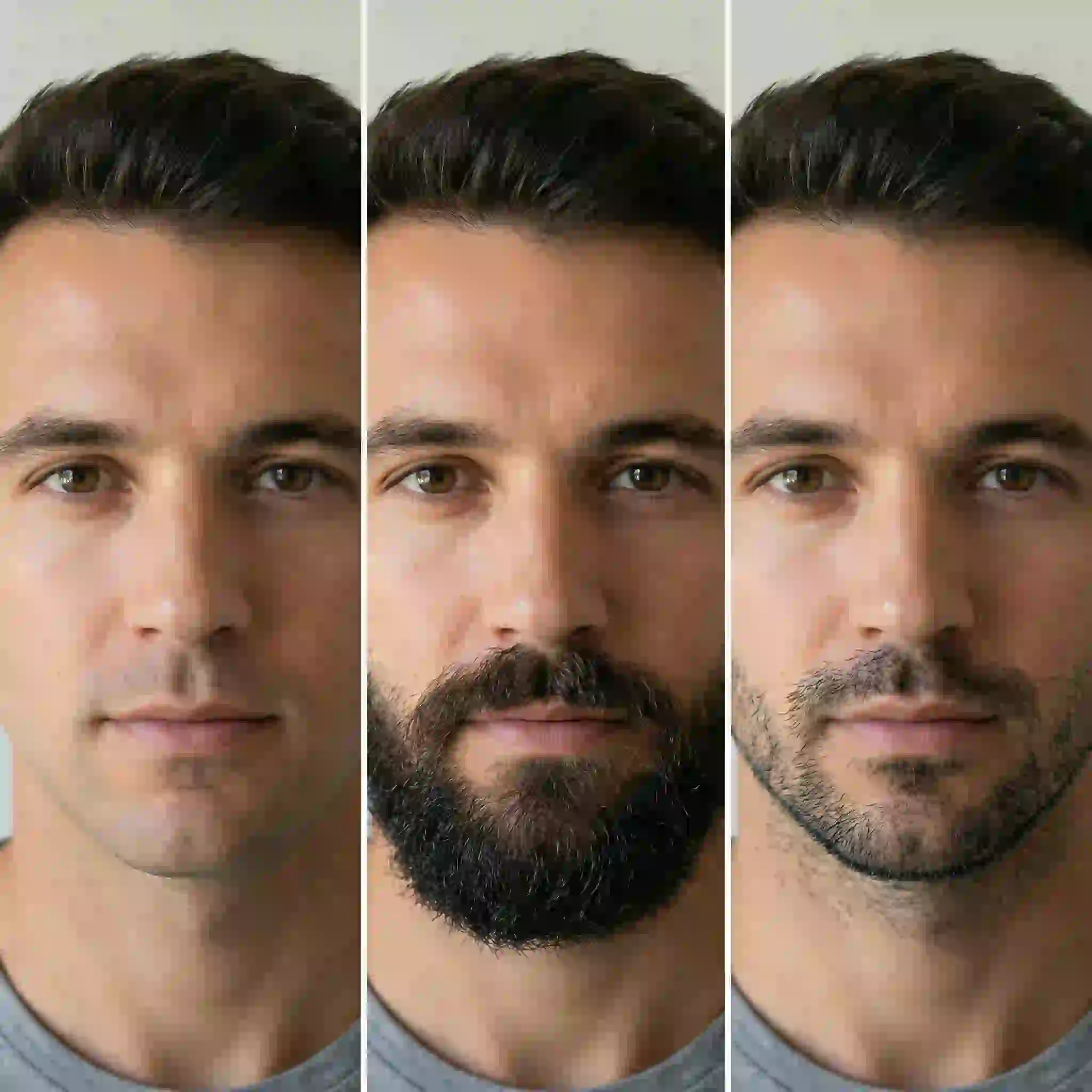
Once the facial structure is analyzed, the simulator overlays different beard styles, adjusting for factors like face shape, skin tone, and lighting conditions. The AI generates realistic hair textures and shadows, ensuring the simulated beard appears as natural as possible.

Some sophisticated simulators even allow for customization of beard color, density, and length, providing a highly personalized preview. This technology offers a convenient and commitment-free way for individuals to explore different bearded looks, helping them decide whether to grow a beard or which style might best suit them.
If you are still hesitating about growing facial hair, relying on modern AI simulators is the best approach. Our comprehensive breakdown explores the psychology and technology behind discovering exactly how would you look with a beard, ensuring you make the right grooming choice without any long-term regret.
3.2 Best tools to see how you'd look with a beard
The market offers a variety of beard simulator tools, ranging from simple mobile apps to more advanced desktop software. For quick and easy experimentation, many social media platforms and dedicated mobile applications provide instant beard filters. These are often user-friendly and offer a range of popular beard styles.
For those seeking higher realism and more customization options, AI-powered photo editing software or specialized beard simulation websites tend to deliver superior results. These tools often allow for detailed adjustments, ensuring the simulated beard integrates seamlessly with the user's existing features.
When choosing a tool, consider factors like the variety of beard styles offered, the realism of the generated images, ease of use, and any available customization features. Reading reviews and trying out free versions can help in selecting the best tool for individual needs.
3.3 Sharing results: how to use these tools for social media content
Once a satisfactory simulated beard look is achieved, sharing the results on social media is a popular next step. Most beard simulator apps and online tools offer direct sharing options to platforms like Instagram, Facebook, and TikTok. Users can save their transformed images or videos to their device's gallery and then upload them to their preferred social media channels.
When sharing, consider adding a caption that invites engagement, perhaps asking friends for their opinions on the new look. This can spark conversations and increase interaction. For content creators, beard simulation results can be used to create engaging before-and-after comparisons, humorous content, or even as a way to poll their audience on potential style changes.
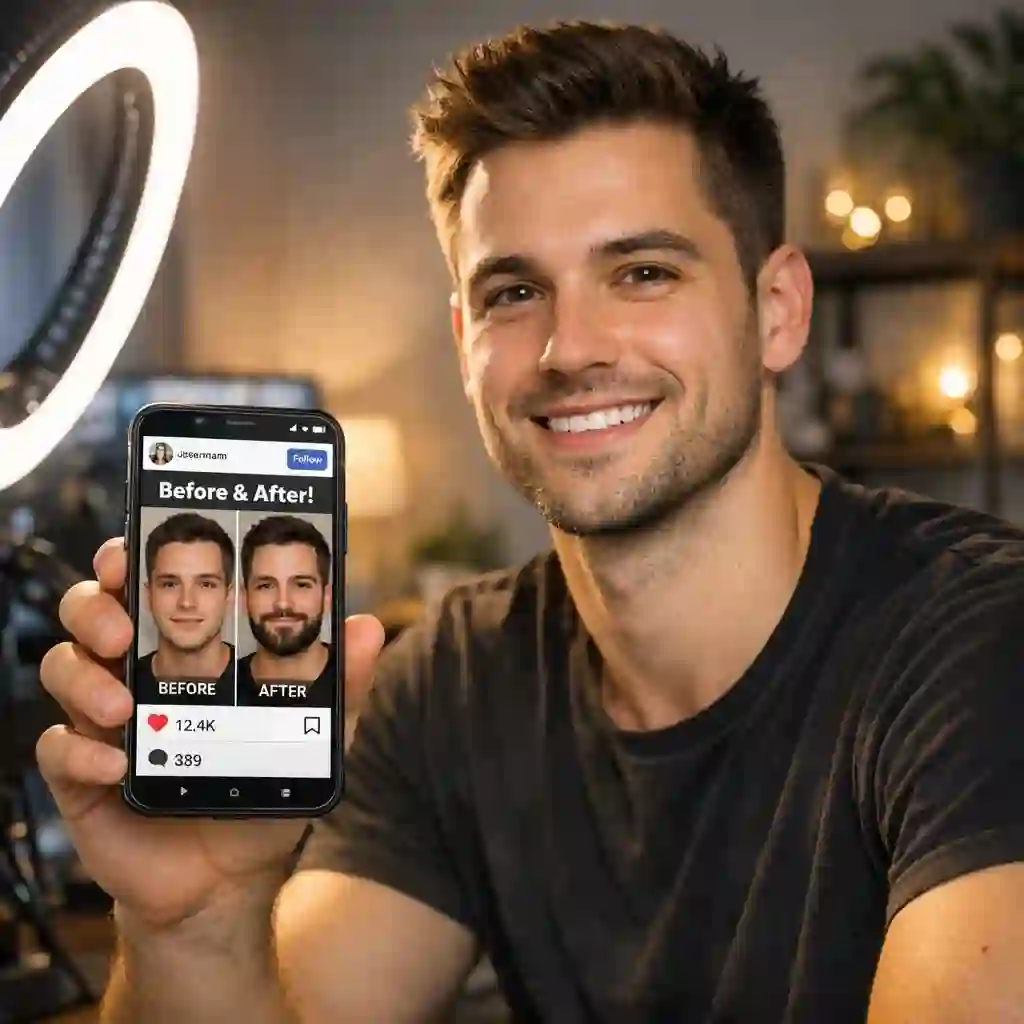
The key is to leverage the visual appeal of the simulated look to create compelling and shareable social media content that resonates with your audience.
4. Beard Remover Filter Alternatives
4.1 What else is out there beyond the basic filter
Beyond the instant gratification of social media filters, a broader spectrum of tools exists for digitally altering facial hair. These alternatives often provide greater control, higher fidelity, and more permanent results compared to real-time filters. Professional photo editing software, for instance, allows for meticulous manipulation of images, enabling users to remove or add beards with unparalleled precision.
While these tools require a steeper learning curve, they offer the ability to fine-tune every detail, from skin texture to lighting, ensuring a truly seamless integration. Additionally, some specialized mobile applications are designed specifically for advanced facial hair editing, offering a middle ground between simple filters and complex desktop software.
These apps often come with a suite of features that go beyond basic removal or addition, such as the ability to experiment with different beard colors, highlights, and even growth patterns. Exploring these alternatives can unlock a new level of customization and realism for those serious about virtual facial hair experimentation.
4.2 AI photo editing tools vs. real-time filters: which is better?
The choice between AI photo editing tools and real-time filters largely depends on the user's needs and desired outcome. Real-time filters, commonly found on platforms like Snapchat and Instagram, offer immediate results and are perfect for casual experimentation or quick social media posts. They are designed for ease of use and instant visual feedback, making them accessible to a broad audience.
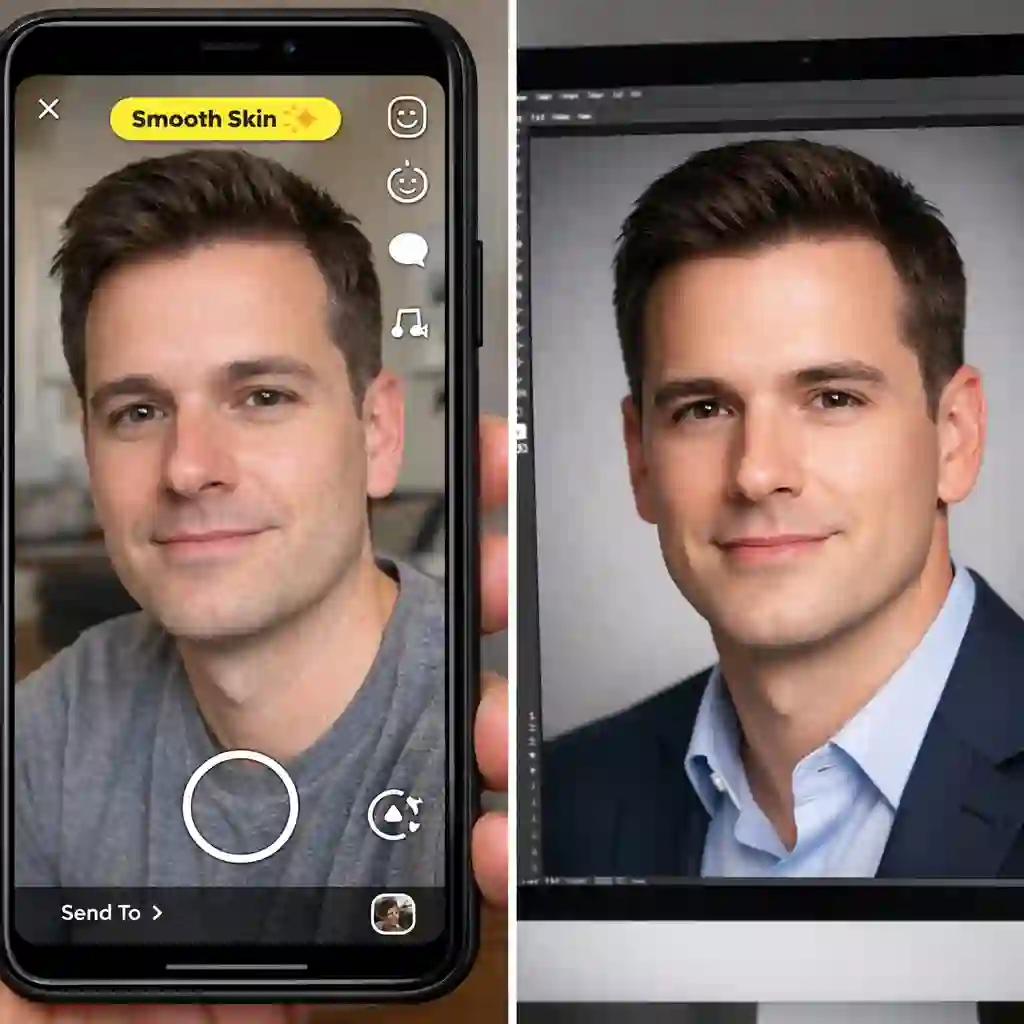
However, their simplicity often comes at the cost of realism and control. The AI behind these filters works quickly to apply a general effect, which can sometimes lead to artificial-looking results or inconsistencies. In contrast, dedicated AI photo editing tools, such as those found in more advanced mobile apps or desktop software, provide a more robust and precise approach.
These tools allow users to upload an image and then apply sophisticated AI algorithms to meticulously remove or add a beard. For example, consider a user who wants to remove their beard for a professional headshot. A Snapchat filter might offer a quick preview, but the result might lack the polish required for a formal photograph.
An AI photo editing tool, however, would allow for detailed adjustments, ensuring the skin texture, lighting, and facial contours are perfectly rendered, creating a professional and believable clean-shaven look. The trade-off is often time and complexity, as these tools typically require more effort and a deeper understanding of their features.
For individuals looking to explore a wider array of options for virtual facial hair alteration, there are numerous alternatives beyond the standard social media filters. These can range from sophisticated mobile applications that offer detailed customization to desktop software with professional-grade editing capabilities.
These alternatives often provide a more nuanced approach to beard removal or addition, allowing for greater control over the final aesthetic. They are particularly beneficial for users who demand a high level of realism and precision in their digital transformations, whether for personal curiosity or professional use.
Understanding these diverse tools can significantly enhance one's ability to achieve the desired virtual look, moving beyond the limitations of basic filters to embrace more advanced and effective solutions.
The paper explains why beard remover filters are rare on social media, reviews 5 practical beard removal tools in 2025, and introduces Photoshop retouching and tech trends.
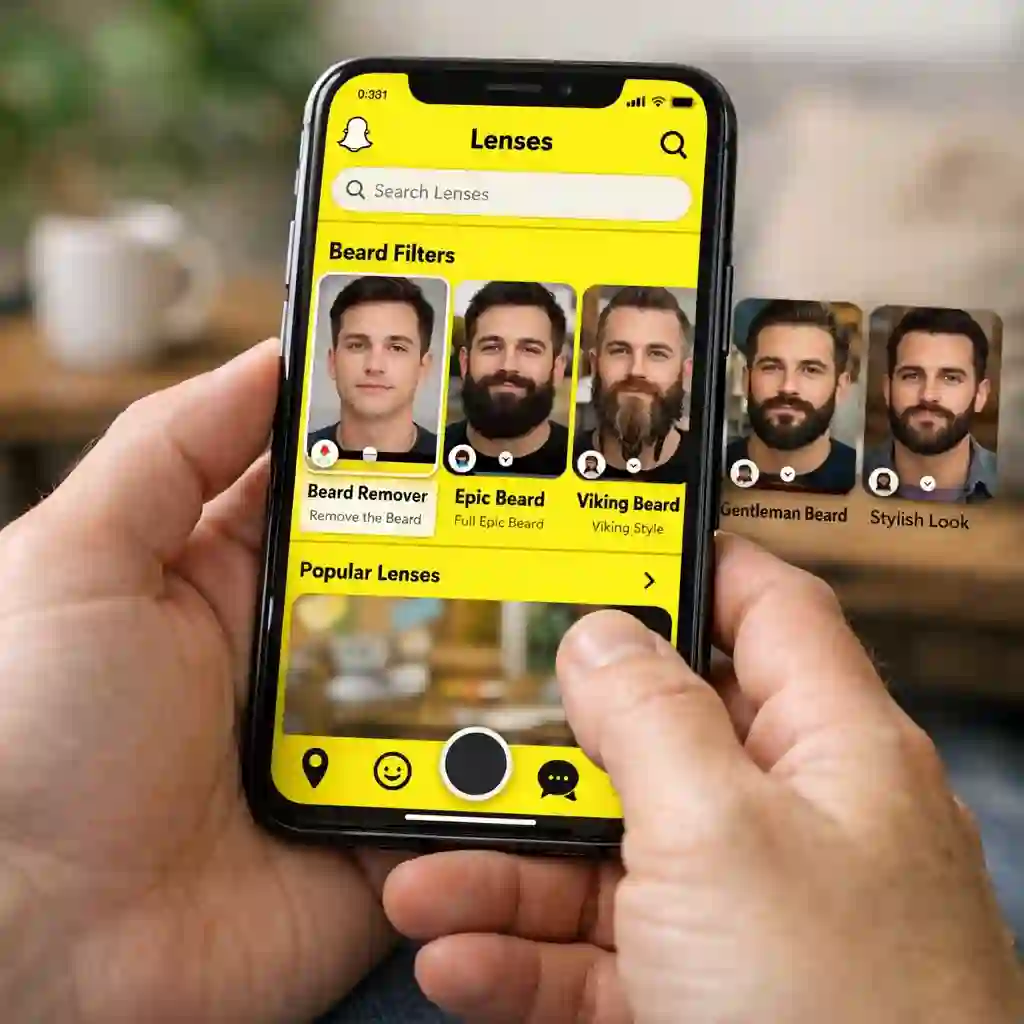
Explains why beard remover filters are rare on social media, reviews 5 practical beard removal tools in 2025, and introduces Photoshop retouching techniques and tech trends.
5. How to Save Snapchat Filters and Other Platform Tips
5.1 How to save Snapchat filters: step-by-step
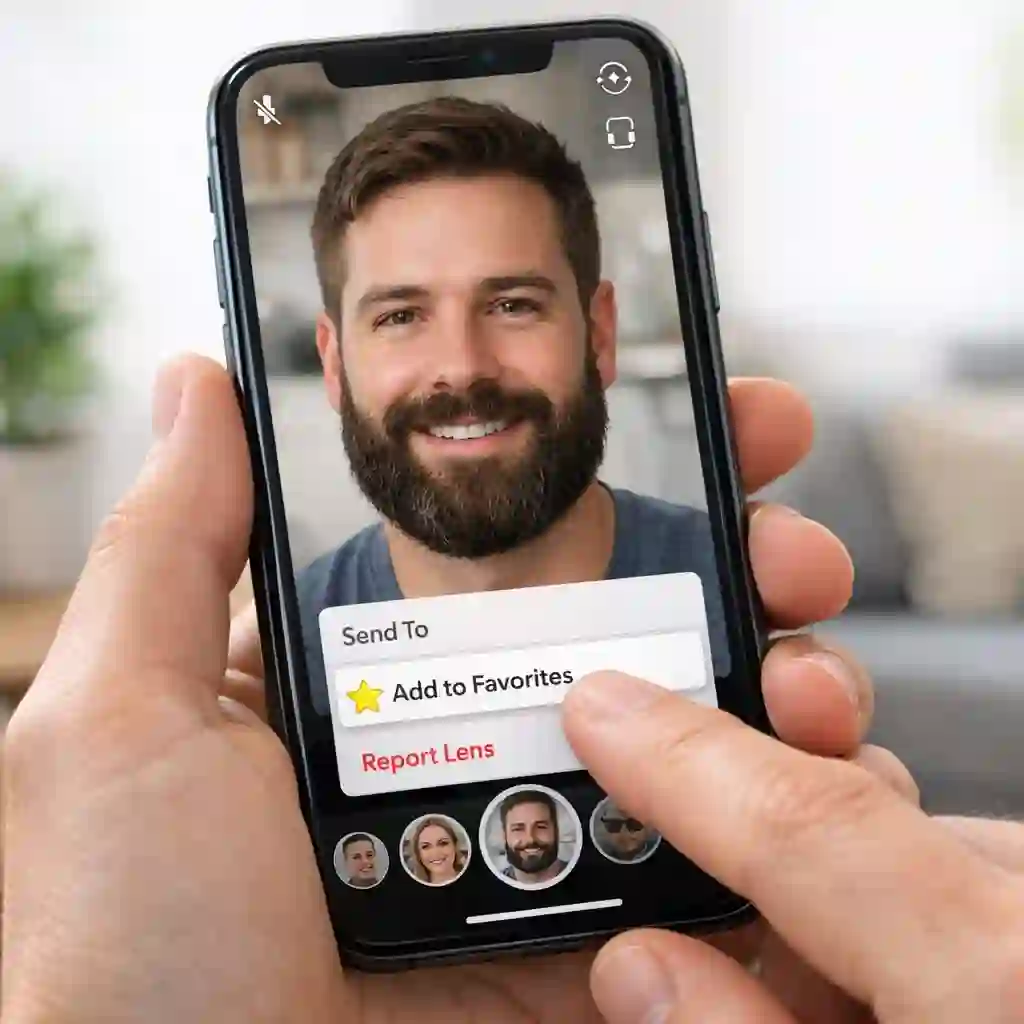
Saving your favorite Snapchat filters allows for quick access and consistent use in your content. The process is straightforward. First, open the Snapchat app and tap on the screen to bring up the filter carousel. Browse through the available filters until you find one you like.
Once a filter is active, you can save it by tapping the small 'i' icon or the filter's name, which usually appears at the bottom of the screen. This will open a menu with an option to 'Add to Favorites' or a similar command. By saving the filter, it will appear in a dedicated favorites section within your filter library, making it easy to find and use again in the future.
This simple step can save you time and ensure you always have your go-to filters ready for your next Snap.
For those who frequently use Snapchat and want to master the platform's features, understanding how to save and manage filters is essential. A quick guide can provide a visual and easy-to-follow walkthrough of the process, ensuring you can save any filter in seconds. These guides often include tips and tricks for organizing your favorite filters, as well as troubleshooting common issues that may arise.
Having a reliable resource can streamline your content creation workflow, allowing you to focus on capturing the perfect shot without having to search for your preferred filters every time. Whether you're a casual user or a seasoned content creator, knowing how to efficiently manage your filters is a valuable skill.
For a comprehensive and quick reference on saving Snapchat filters, a 10-second guide can be incredibly useful. This type of resource distills the essential steps into an easily digestible format, perfect for users who need to quickly save a filter without navigating through lengthy tutorials.
Such guides often highlight the key actions required, making the process intuitive and efficient. They are designed to get you back to creating content as quickly as possible, ensuring that your favorite filters are always at your fingertips. This convenience is particularly valuable in the fast-paced world of social media, where capturing the moment often requires immediate access to the right tools.
5.2 Saving and sharing filters on Instagram and TikTok
Similar to Snapchat, both Instagram and TikTok offer features for saving and sharing filters, though the specific steps may vary slightly. On Instagram, when you come across a filter you like in someone's Story, you can tap the filter's name at the top of the screen to save it to your own filter library. You can also browse and save filters from the 'Effects Gallery.'
Once saved, the filter will be readily accessible from your camera screen. On TikTok, filters can be saved by tapping the 'Add to Favorites' button when you find an effect you enjoy. This adds the filter to your favorites folder for easy access. Sharing filters on these platforms is also simple.
On Instagram, you can send a filter directly to a friend via direct message. On TikTok, when you create a video with a specific filter, other users can tap on the effect's name to use it in their own videos, promoting viral trends and widespread use.
5.3 Making your virtual look more realistic: tips for better results
Achieving a realistic virtual look with beard filters and simulators often comes down to a few key details. Good lighting is paramount. Always try to take photos or videos in a well-lit environment, as this helps the AI algorithms better analyze your facial features and apply the filter more accurately.
Natural, even lighting tends to produce the best results, minimizing harsh shadows that can interfere with the filter's performance. The angle of your face also plays a significant role. A straight-on, clear view of your face allows the filter to map your features more precisely.
Avoid extreme angles or obstructions, such as hair or hands covering your face. Finally, consider the background. A simple, uncluttered background can help the filter focus on your face without being distracted by other elements in the frame. By paying attention to these small details, you can significantly enhance the realism of your virtual transformations.
6. Conclusion + CTA
In conclusion, the world of beard filters and simulators offers an exciting frontier for personal expression and digital exploration. From understanding the nuanced differences between beard removal and beard simulation technologies to navigating the best tools for achieving realistic virtual looks, this guide has illuminated the path for anyone curious about altering their appearance online.
We've delved into the AI-driven mechanics that power these transformations, explored common frustrations and their solutions, and provided practical tips for saving and sharing your virtual makeovers across popular social media platforms. Whether you're contemplating a clean-shaven look, envisioning a new beard style, or simply having fun with digital alterations, the tools available today provide unprecedented opportunities for experimentation.
Ready to see yourself without a beard? Don't just imagine it—experience it. Visit beardremover.com today to try our cutting-edge no-beard filter. Discover how seamlessly you can transform your look and share your new virtual self with the world.
Embrace the future of digital appearance and unlock a new dimension of self-expression with beardremover.com.